










{{ s.num }}
{{ s.title }}
{{ b.h }}
{{ b.p }}
- {{ li }}
- {{ li }}
{{ legal.ask }} hello@ctrlcampus.com
{{ col.title }}
Trusted by 110+ schools and colleges
 Meta Tech Provider
 Wix Legend Partner
Most schools run an ERP plus a handful of apps bought around it, and the office keeps them in sync by hand.
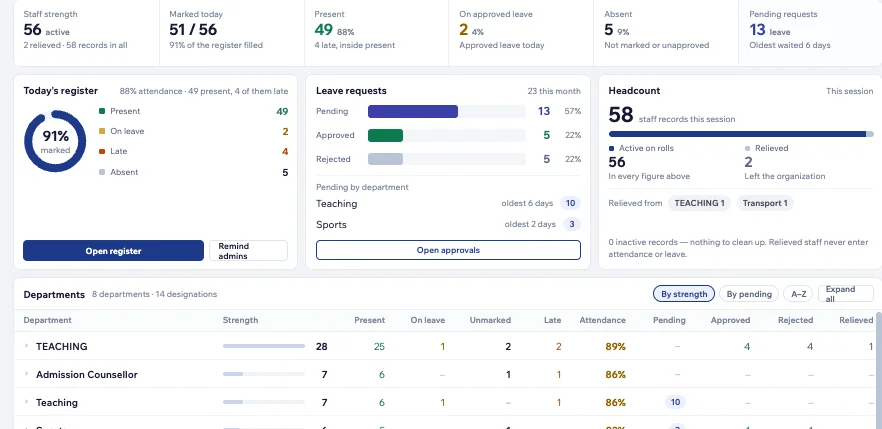
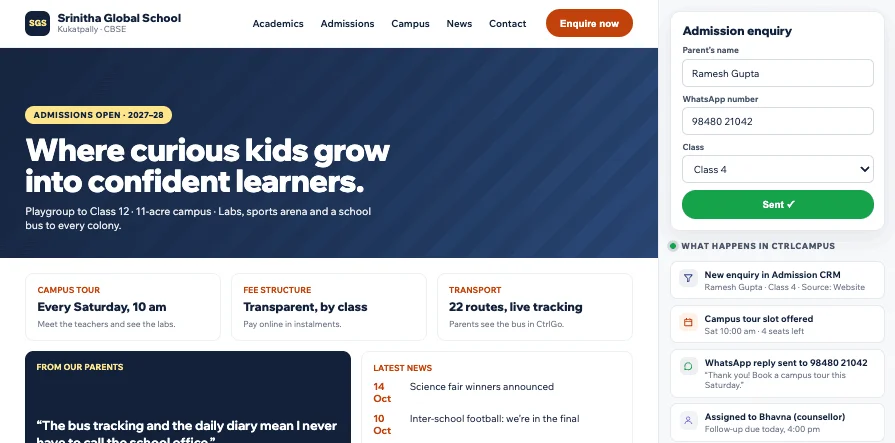
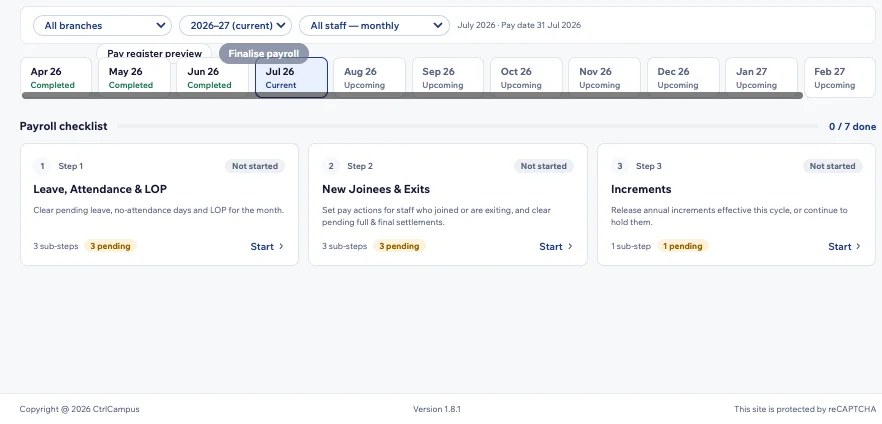
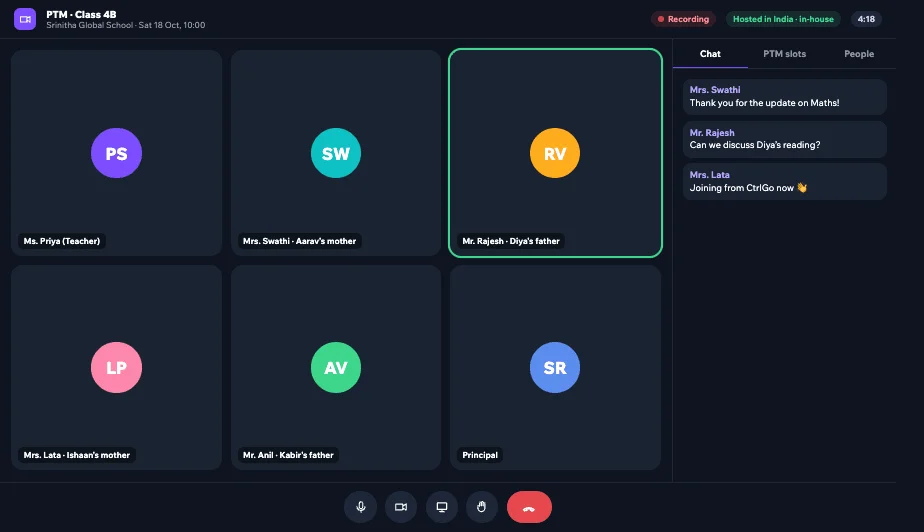
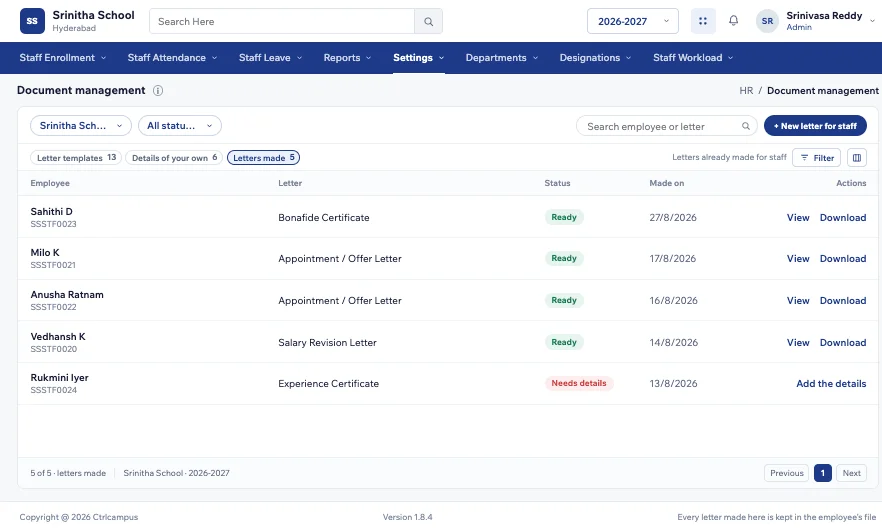
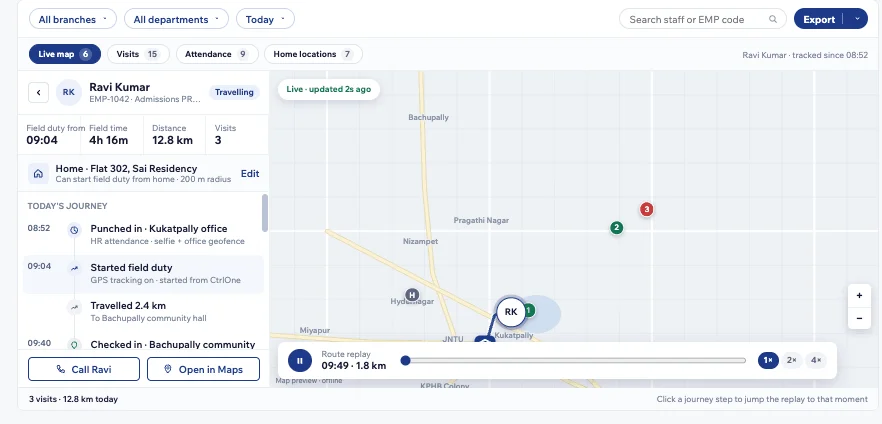
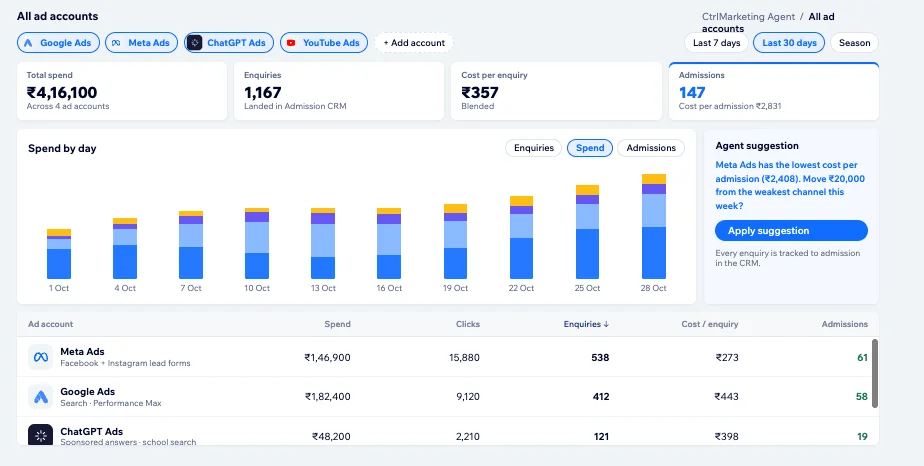
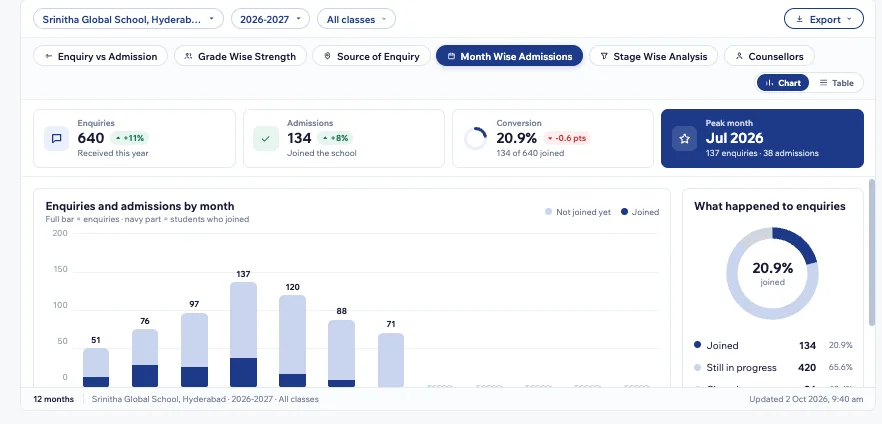
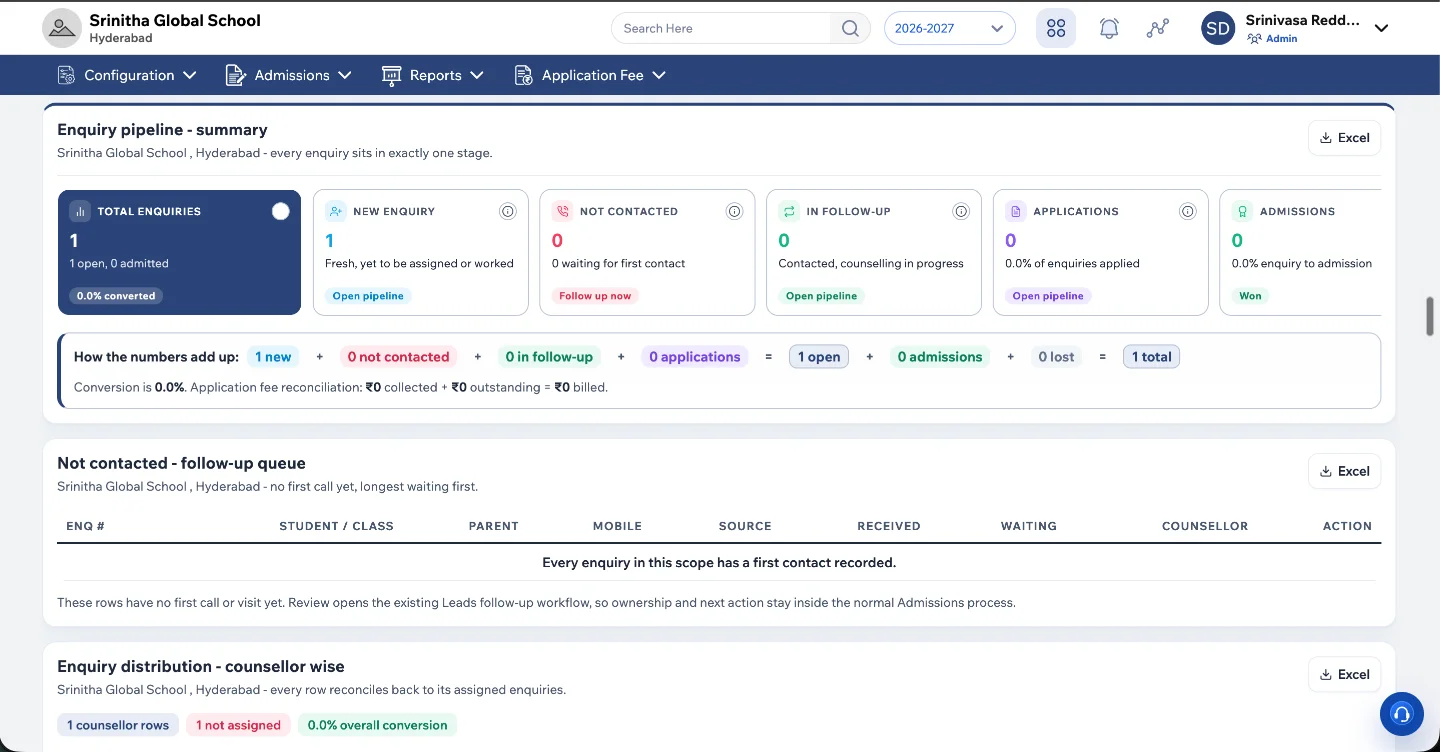
Everything typed once lives in one student record, shared by five products: ERP, HR and payroll, admissions CRM, school website and AI marketing. Click a tab to see the live screen.
Four mobile apps for parents, teachers, staff and drivers. All of them read the same student record, so nothing needs syncing and nobody logs in twice.
Choose your type of institution to see the screens your team would use every day.








Switching shouldn’t stop your school. We move your data, set everything up and train your people before you change over.
We map your classes, fee structure, bus routes and workflows with your team.
Student, fee and staff records move across from your current system or spreadsheets.
Modules, apps, your WhatsApp number and payment gateway are configured for your school.
Office staff, teachers and drivers learn the screens they’ll actually use.
You switch over, with our team on hand through the first weeks.
Can’t find your question? WhatsApp us on +91 91822 99806 and we'll reply within one working day.
CtrlCampus is one platform for running an educational institution in India. It covers the ERP, admissions CRM, fees, attendance, bus tracking, HR and payroll, WhatsApp messaging and apps for parents and staff, all on one student record.
Pre-schools and K12 schools on CBSE, ICSE and state boards, colleges and universities, coaching and training institutes, and overseas education consultancies. Owners, principals, office staff, teachers, parents and drivers each get the part they need.
Most schools run an ERP plus six or seven other apps for admissions, messaging, transport, attendance and payroll, and keep them in sync by hand. CtrlCampus does all of it in one system, so a fee paid or an absence marked shows up everywhere at once, and fewer vendors hold your students' data.
No. CtrlBus tracks school buses from the driver's phone, and CtrlLens takes staff and student attendance with face recognition on a phone. There's no hardware to buy or maintain.
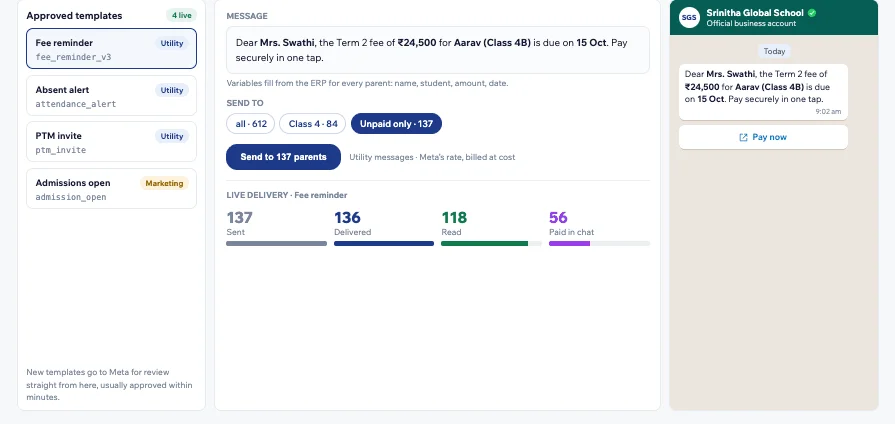
Yes. CtrlCampus is a Meta Tech Provider, so fee reminders, attendance alerts and circulars go out on the official WhatsApp Business API from your school's own verified number.
Parents and students use CtrlGo for attendance, fees, bus tracking, marks and circulars. Staff use CtrlOne for check-in, leave, timetables, marks entry and payslips. Drivers use CtrlBus, and CtrlLens handles face-recognition attendance.
Going live takes five steps: kick-off, data migration, setup, training and go-live. Your existing student, fee and staff records are moved across in the migration step, and your office is trained before you switch over.
CtrlCampus is ISO 27001 certified, offers a 99.9% uptime SLA and is aligned with India's DPDP Act 2023. Because one platform replaces several apps, fewer companies ever hold your students' data.
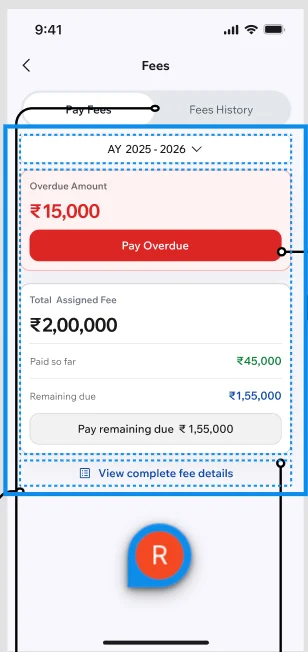
Parents pay from the CtrlGo app through payment gateways such as Cashfree and Easebuzz. Each payment updates the fee record and the receipt straight away, with no manual entry.
Book a free demo and we'll walk through CtrlCampus using your own school's workflows, or WhatsApp us on +91 91822 99806.
See it running on your own school’s workflows. Free demo, no obligation.
Here’s what CtrlCampus does on an ordinary day, and who it helps. Tap a moment to see the app at that time.
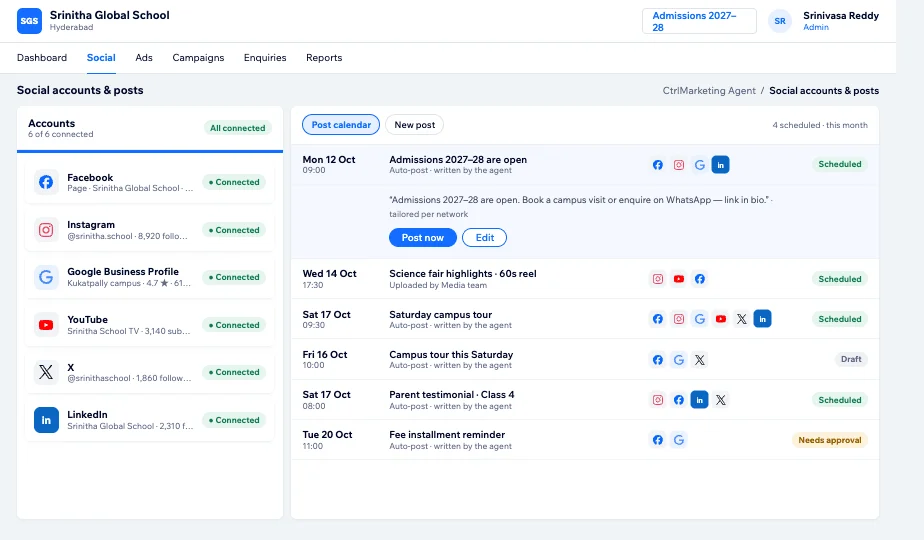
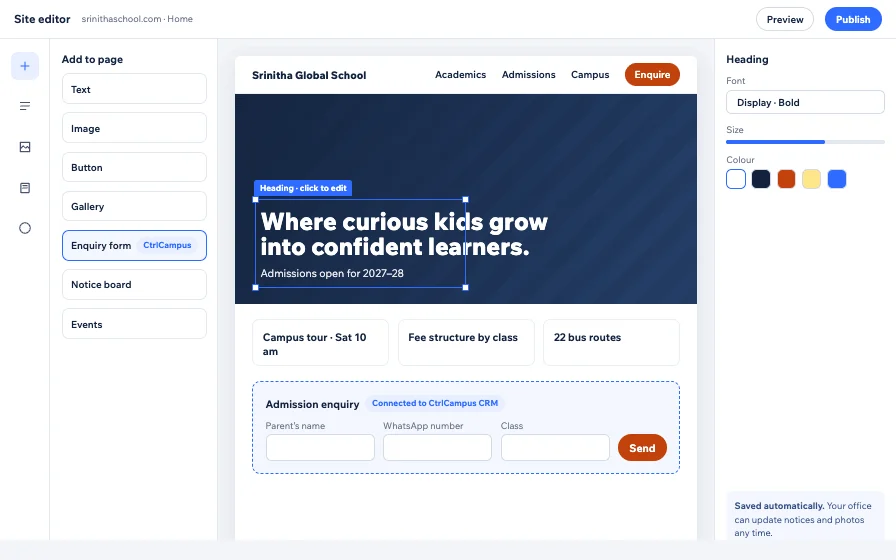
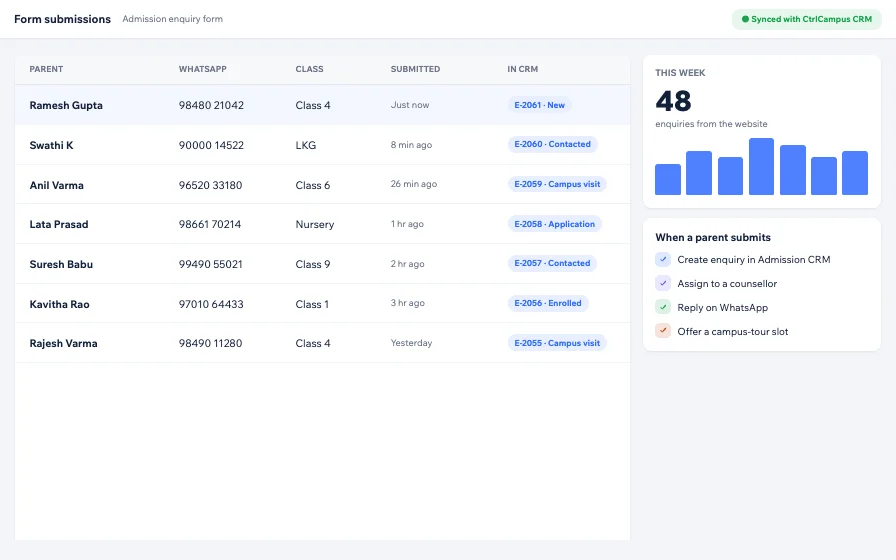
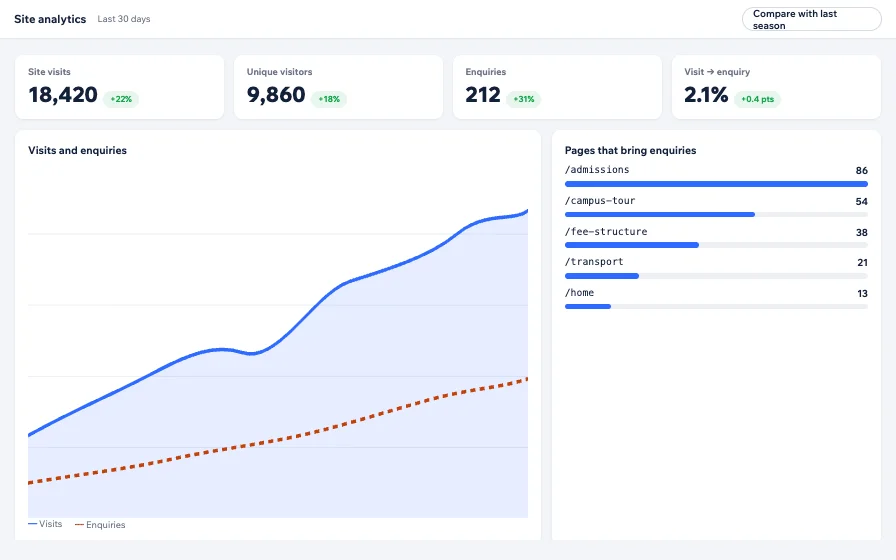
Five apps, one student record. What a teacher marks in class is what the principal and the parent see.
Boards, fee rules, report cards and approvals differ in every institution. Pick one and see how CtrlCampus sets itself up.
Our team sets this up with you during onboarding, and you can change it later without a developer.
Most school software was built for a desktop in the office. CtrlCampus was built for phones, live data and AI from day one.
Ask your current vendor to show this in one app. Then give us 20 minutes.
Compare with a demoDetails are typed in once. Each office picks up where the last one left off.
Nothing is typed twice. Each step fills in the next one.
{{ st.body }}
{{ c.old }}
{{ c.neu }}
You always know where each student is, and what’s next.
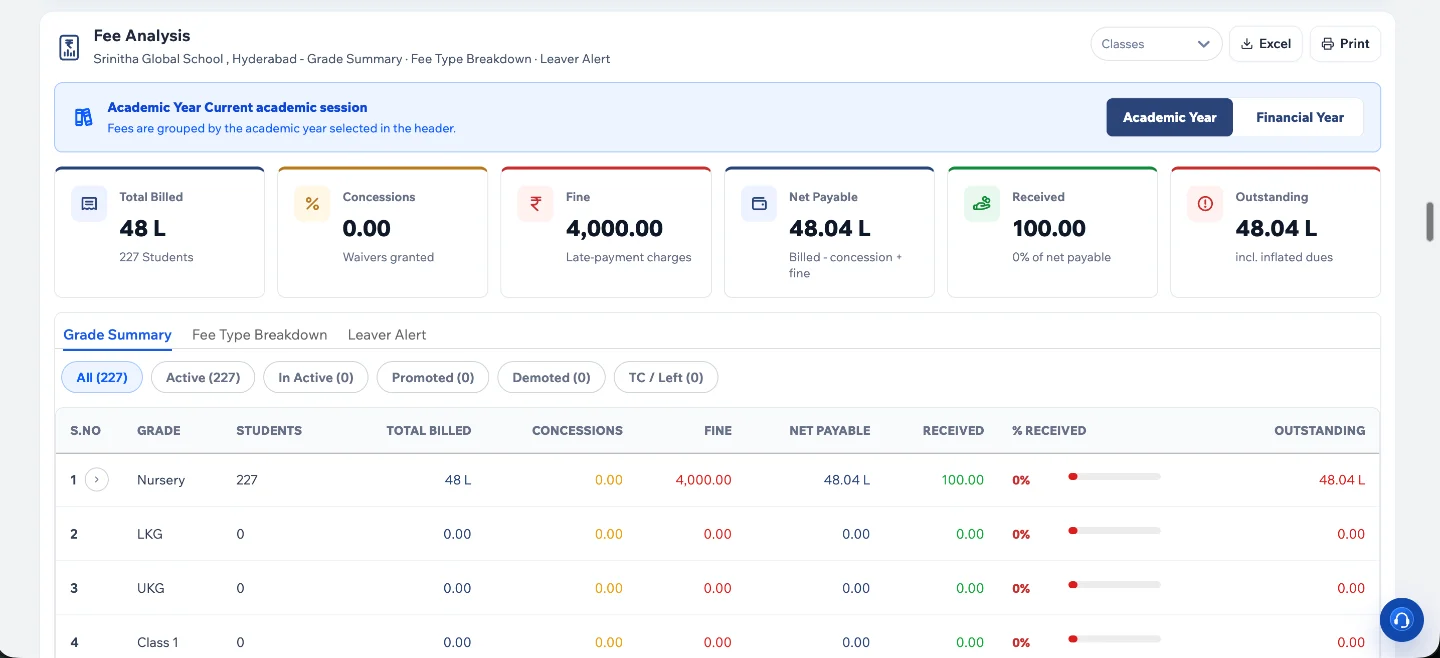
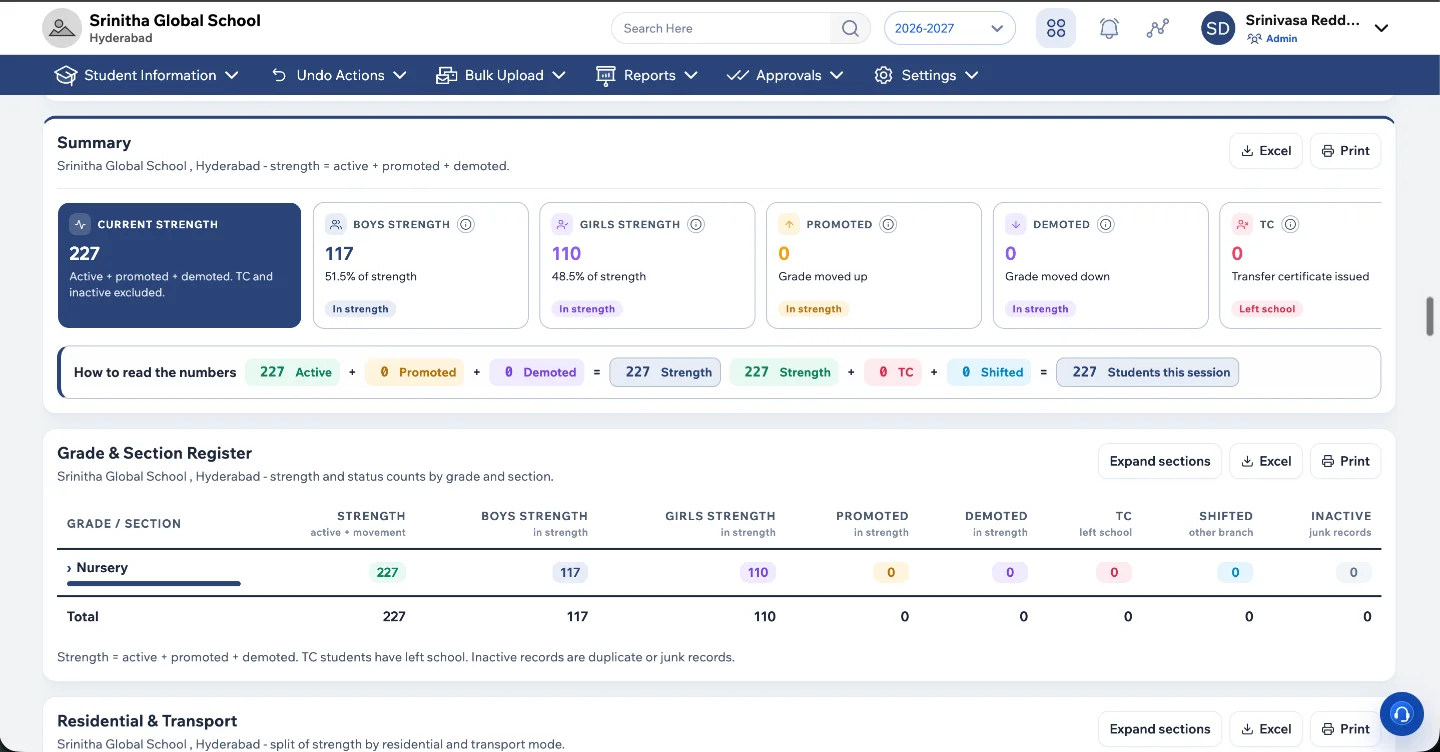
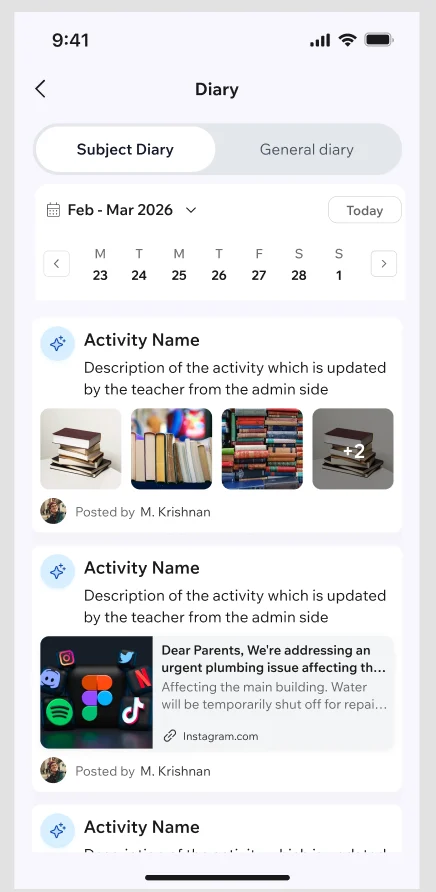
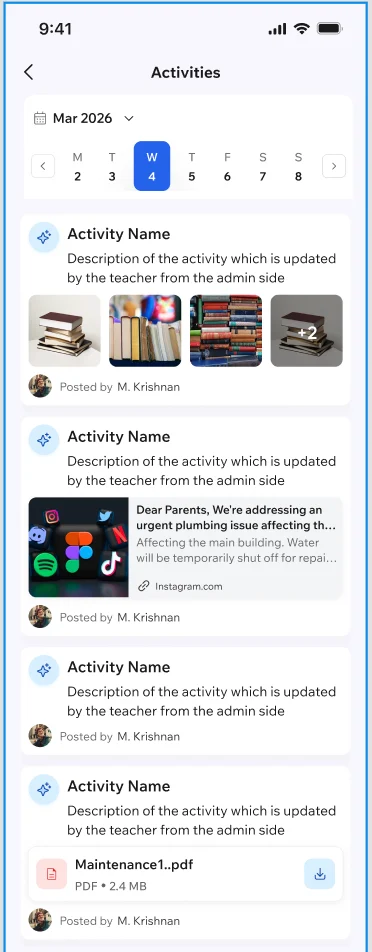
At the stall · H31
Scan the code with your phone camera, or fill the form here. We’ll call you after the show with a demo set up for your institution.
Meta Tech ProviderDirect on the WhatsApp Business PlatformWix Legend PartnerWix’s highest partner tier{{ live.intro }}
“80% reduction in operational cost after moving onto CtrlCampus.”
Oaktree Kidz · one of 110+ institutions on CtrlCampus
The problem
The apps
{{ ap.sub }}
How it works
{{ hs.body }}
{{ b.intro }}
Founders · Pick a card
{{ b.intro }}
{{ v.body }}
{{ o.body }}
IN{{ hubInLabel }}


OUT{{ hubOutLabel }}
{{ b.hA }}
{{ r.old }}
{{ b.hB }}
{{ r.neu }}
{{ fq.a }}
The admission journey
Six steps every family goes through. The CRM sends the replies, reminders and receipts, and your team handles the conversations.
{{ crmStep.t }}
{{ crmStep.d }}
Why a CRM
What’s inside
{{ f.d }}
Meta lead ad · Class 1 admissionsEnquiry created · 2 min agoRepliedWebsite form · Admissions pageEnquiry created · 11 min agoRepliedWhatsApp · “Fee details for LKG?”Enquiry created · 26 min agoAssignedWhat you get
{{ o.d }}
Reports
Enquiries, applications and admissions by source, branch, class and counsellor. Built in, updated live, exported in one click.
Direct connections, not a reseller in between. See all integrations
Meta lead adsWhatsApp Cloud APIGoogle AdsWix Forms Razorpay
 MyOperator
 Google Meet
{{ q.a }}
Every integration is set up by our team during onboarding.
Three ways CtrlCampus talks to a partner. The deeper the link, the less your office has to do.
Other vendors bolt on a separate app for these. We built them ourselves, on the same data.
Use a tool that isn’t listed?
Tell us which one. We’ll say honestly whether we connect to it today.
Free demo · 20 minutes
Pick a slot. A product expert walks you through admissions, fees, attendance and the parent app, using your own school’s workflows.
Free demo · 20 minutes
Pick a slot and tell us who you are. The invite lands in your inbox and on WhatsApp straight away.
Legal
{{ legal.intro }}
{{ b.p }}
{{ legal.ask }} hello@ctrlcampus.com