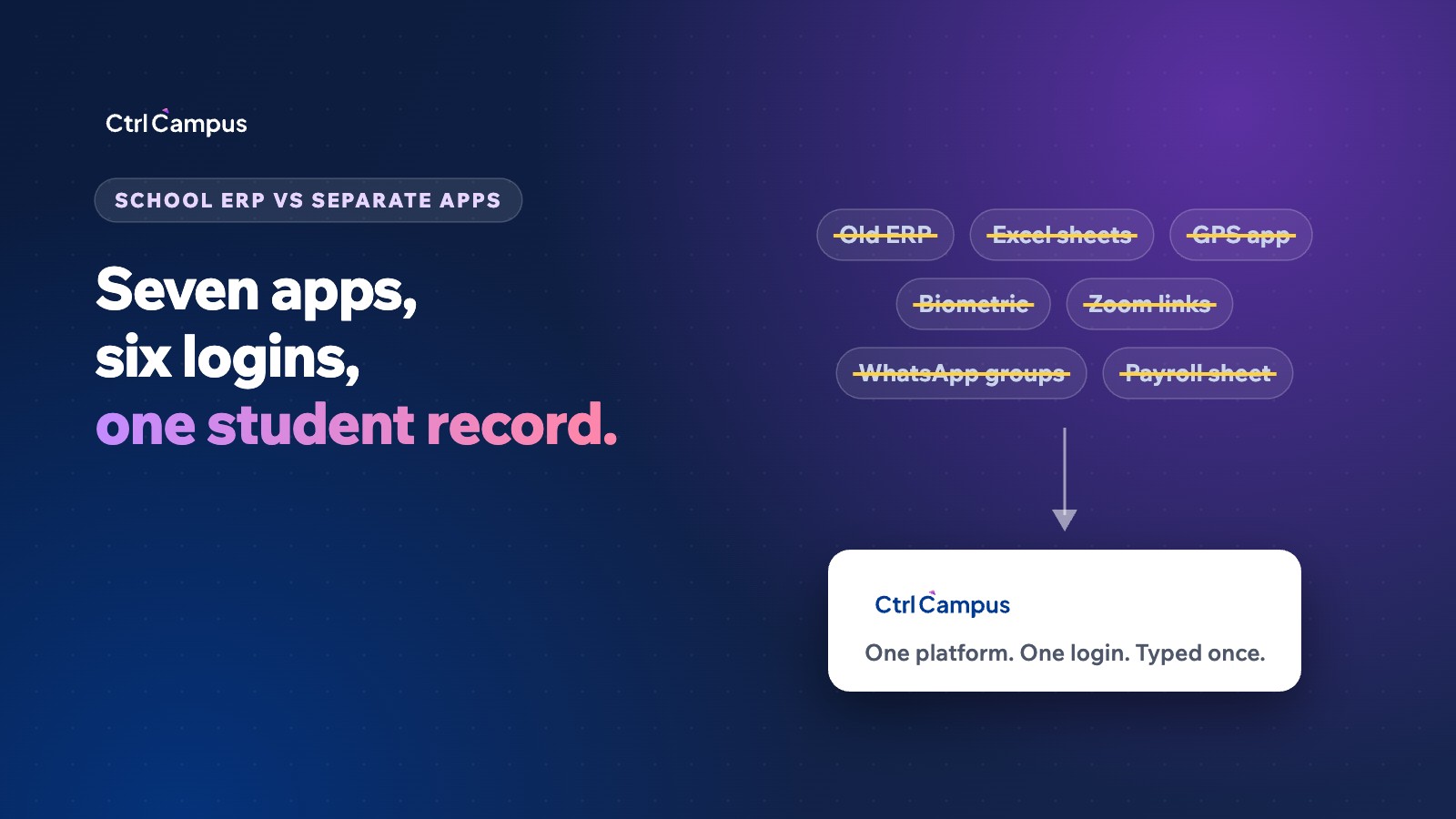
Most private schools in India do not run on one system. They run on an ERP for fees and exams, plus six other tools that grew up around it: spreadsheets for admissions, a GPS vendor for buses, a biometric machine for staff, video links for PTMs, WhatsApp groups for parents and a payroll sheet in the accounts office. An all in one school management software platform replaces that stack with one student record. This guide shows what the seven-app setup really costs, where a single platform pays off, and when it does not.
The seven apps a typical school runs
Walk into the office of a 1,000-student CBSE or state-board school and you will usually find some version of this:
- Old ERP for fees, timetables, exams and report cards.
- Excel sheets or a notebook for admission enquiries and follow-ups.
- A GPS vendor's app for bus tracking, tied to a device in every bus.
- A biometric machine at the gate for staff attendance.
- Zoom or Google Meet links for parent-teacher meetings and online classes.
- WhatsApp groups for circulars, fee reminders and homework.
- A payroll spreadsheet where someone re-enters attendance and leave every month.
Each tool solves one problem well enough. The trouble is what happens between them.
The hidden costs of separate apps
1. The same data is typed again and again
A new admission is entered in the enquiry sheet, then the ERP, then the transport app, then the parent app. On our own why not an ERP page we walk through a single student, Aarav Sharma of Grade 5, typed into six apps. Two of those copies already disagree. Every retyped field is office time, and every mismatch is a phone call from a confused parent.
2. Parents get six logins for one child
Fees in one app, the bus in another, homework on WhatsApp, the PTM link in an SMS. Parents stop opening most of them, which is why reminders get missed and fee collection slows down.
3. Hardware you have to buy, install and repair
GPS boxes in buses and biometric machines at the gate each come with a purchase cost, an installation visit and an annual maintenance contract. When a device fails, the data stops until the vendor's engineer arrives.
4. Management never sees one picture
To answer a simple question like "how many Grade 8 students have unpaid fees and also missed the bus this week", someone has to export from two systems and match names by hand. Most owners simply stop asking.
5. More vendors hold your students' data
Every app is another company storing children's names, phone numbers and locations. Under India's DPDP Act, schools need verifiable parental consent before processing a child's data, and the fewer places that data sits, the easier it is to stay on the right side of it.
What it costs in money
Software prices vary widely, so check quotes rather than trusting any single number. One public pricing guide puts school software at roughly ₹12,000–₹30,000 a year for schools under 200 students and ₹3–6 lakh a year for 2,500–5,000 students, with payment-gateway charges of about 1.5–2% per online transaction on top (Codingclave, 2026).
With seven tools, you pay that kind of bill several times over, plus the costs that never appear on an invoice:
- Separate subscriptions or licences for the ERP, transport, attendance and video tools.
- Hardware and maintenance contracts for GPS boxes and biometric machines.
- Bulk SMS or unofficial WhatsApp tools that can get numbers blocked.
- Office hours spent re-entering and reconciling the same records every month.
- The cost of mistakes: wrong fee reminders, salary corrections, missed enquiries.
A useful exercise: list every tool your school pays for today, its annual cost and who re-enters data into it. Most schools find the hours line is bigger than the software line.
What all in one school management software actually means
"All in one" is overused. The test is simple: when a parent pays a fee, does the receipt, the parent app, the class teacher's view and the owner's dashboard all update at once, without anyone typing it twice? If yes, it is one platform. If someone exports and imports, it is still separate apps with one logo.
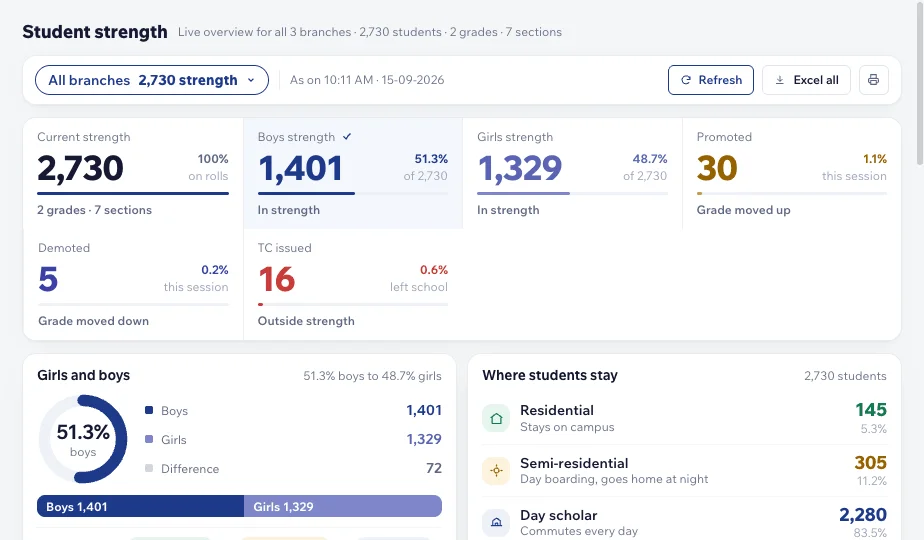
On CtrlCampus, one student record feeds everything:
- Admissions: enquiries from ads, the website, WhatsApp and walk-ins become a student, a fee account and a parent login in one click (Admission CRM).
- Fees and academics: online payments, timetables, exams, hall tickets and board-ready report cards (Education ERP).
- Transport without a GPS box: buses are tracked from the driver's phone with CtrlBus.
- Attendance without a biometric machine: staff check in with their face on a phone using CtrlLens, and it flows into payroll.
- Parent messages on official WhatsApp: fee reminders and circulars go from your school's own verified number, because CtrlCampus is a Meta Tech Provider (WhatsApp).
- Payroll: PF, ESI, PT and loss of pay calculated from the same attendance (HR & Payroll).
When separate apps still make sense
A single platform is not always the right first step. If your school has under 100 students and runs fees on paper without trouble, start with fee collection alone. If you signed a multi-year ERP contract last year, plan the switch for its renewal date. And if a tool you use is deeply customised for a board or a trust's reporting, ask any new vendor to show that report working before you move.
How to switch without disrupting the term
The safest switch happens in stages, not on one weekend. CtrlCampus schools go live in five steps:
- Kick-off: agree which branches, classes and modules go first.
- Data migration: existing student, fee and staff records are moved across, so nothing is retyped.
- Setup: fee rules, timetables, routes and approval flows are configured for your school.
- Training: office staff, teachers and drivers are trained on their own screens.
- Go-live: parents get one app and one login, and the old tools are switched off one by one.
More detail is on our implementation page.
What happened at Oaktree Kidz
Oaktree Kidz moved admissions, fees, attendance and parent communication onto CtrlCampus and reported an 80% reduction in operational cost. Read the full Oaktree Kidz case study.
Frequently asked questions
Is all in one school management software more expensive than separate apps?
Usually not, once you add up every subscription, device contract and the office hours spent retyping data. Compare your total yearly spend across all tools, not one licence against another.
Can we keep our existing data?
Yes. Student, fee and staff records are migrated during setup, so your office does not start from a blank screen.
Do we need GPS devices or biometric machines?
No. CtrlBus tracks buses from the driver's phone and CtrlLens takes attendance with face recognition on a phone, so there is no hardware to buy or maintain.
Will parents need to learn a new app?
They get one app, CtrlGo, instead of several, plus messages on WhatsApp from your school's verified number.
Is student data safe on one platform?
CtrlCampus is ISO 27001 certified with a 99.9% uptime SLA, and keeping data in one system means fewer companies hold it. See Security & trust.
See it on your own school's workflows
More than 110 schools and colleges already run on CtrlCampus. Book a free 20-minute demo and we will show your fee rules, routes and report cards working in one place, or chat with us on WhatsApp at +91 91822 99806.