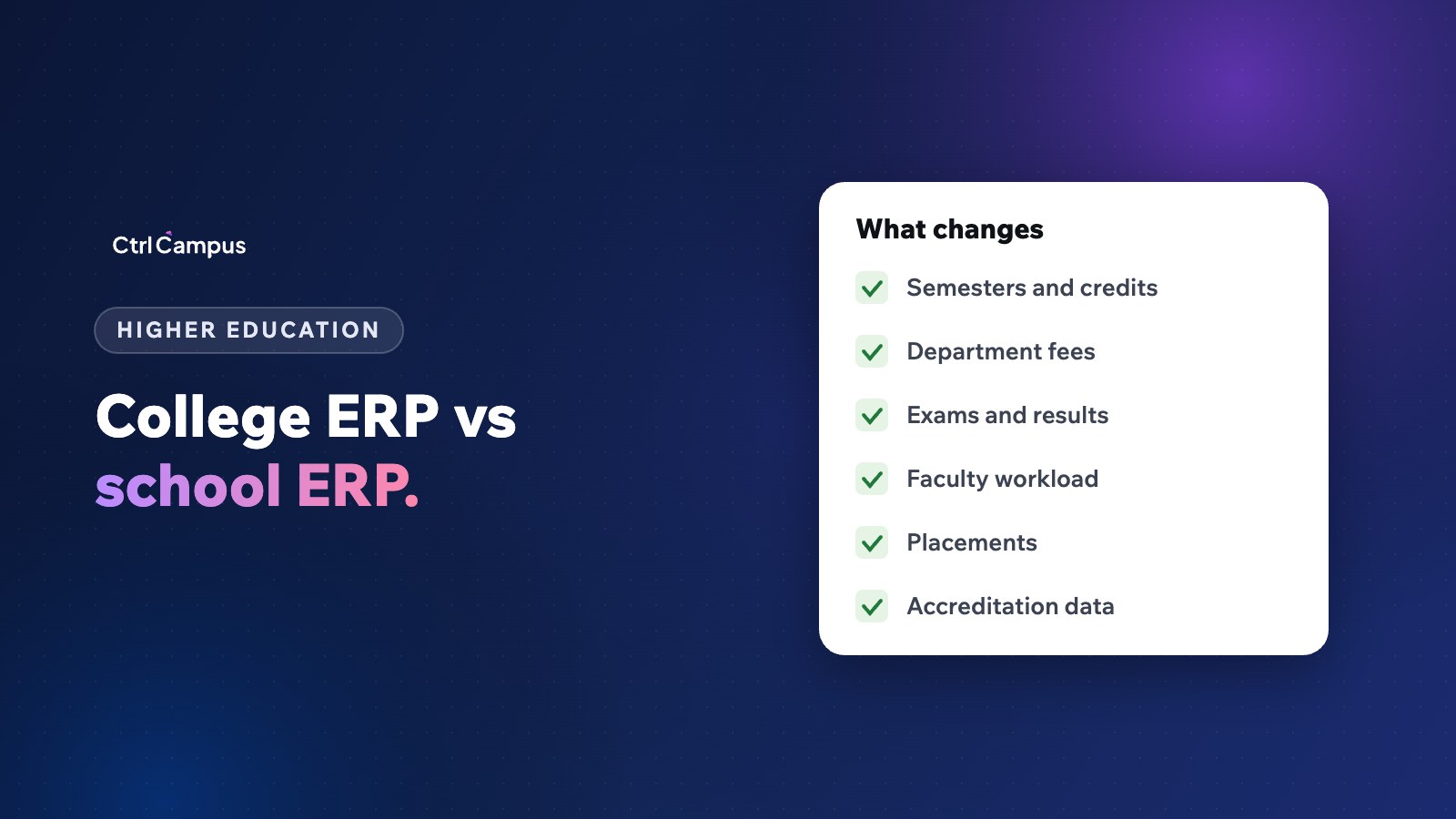
Quick answer: a college ERP differs from a school ERP because it must handle semesters and credits, courses and electives across departments, semester-wise fees, university or autonomous exams, faculty workload and the data needed for accreditation and reporting. The core (admissions, fees, attendance, staff and payroll) is shared.
Last updated: November 2026.
Many institutions run both schools and colleges, or a college that grew out of a school. It is tempting to stretch school software to cover the college. It usually doesn't fit, because the academic structure is different.
What school and college ERPs have in common
- Admissions with enquiries and follow-up.
- Fee collection, online payment and receipts.
- Attendance for students and staff.
- HR, leave and payroll.
- Communication with students and parents.
What changes in a college ERP
Semesters, credits and electives
Colleges run on semesters, with core and elective courses carrying credits. Students in the same programme can take different combinations. Under NEP 2020, credit-based structures and the Academic Bank of Credits make this more important.
Departments and programmes
Each department runs its own programmes, timetables and faculty. Reports need to roll up by department as well as by institution.
Fees by semester and programme
Fees vary by programme, year and category, with scholarships and reimbursements tracked separately.
Exams and results
Internal assessments, semester exams, revaluation, supplementary exams and results that follow university or autonomous rules.
Faculty workload
Teaching hours, subjects, labs and research activities across departments.
Student lifecycle
From admission to graduation, including transfers, backlogs, internships and placements.
Accreditation and reporting
Colleges report data for accreditation and regulators. Keeping records structured through the year makes these reports far easier.
When one platform for school and college makes sense
Groups that run schools, junior colleges and degree colleges benefit from one platform for shared functions such as fees, HR, payroll and communication, with the academic structure configured for each type of institution. Management sees the whole group in one place.
Questions to ask a college ERP vendor
- Does it support semesters, credits and electives as we run them?
- Can it follow our university's or our autonomous exam rules?
- Are department-wise reports included?
- How are scholarships and fee reimbursements tracked?
- Can it run alongside our schools on one platform?
How CtrlCampus supports colleges
CtrlCampus runs colleges from admission to graduation: admissions, semester fees, attendance, exams and staff payroll for every department, with the office, faculty and students on the same system. It serves degree colleges, engineering, pharmacy and nursing colleges, UG and PG programmes and universities, alongside schools on the same platform. See our higher education page, multi-branch management and the Oaktree Kidz case study.
Moving a college onto an ERP: where to start
Colleges have more moving parts than schools, so phase the rollout:
- Admissions and fees first. They touch every student and bring the quickest benefit.
- Attendance next. For students and faculty, feeding reports and payroll.
- Academics and exams. Programmes, courses, credits, internal assessments and results.
- HR and payroll. Faculty and staff records, leave and salaries.
- Reporting. Department-wise and institution-wide reports for management and accreditation.
Involve heads of department early. They know how their programmes really run, including exceptions that never made it into any document.
Apps for students and faculty
College students expect to see attendance, fee dues, timetables and results on their phones. Faculty want to mark attendance, enter marks and apply for leave without going to the office. When both use apps connected to the same system, the office stops being the bottleneck for routine questions.
Common mistakes when colleges choose an ERP
- Buying a school ERP and trying to bend it to semesters and credits.
- Setting up each department differently, so reports never add up.
- Leaving exam rules until last, when they are the hardest part to configure.
- Training only office staff and not faculty.
FAQ: college ERP
What is a college ERP?
Software that manages a college's admissions, fees, academics, exams, staff and reporting in one system.
Can a school ERP be used for a college?
Only partly. Semesters, credits, departments and university exam rules usually need a system built for higher education.
Should a group with schools and colleges use one platform?
It helps, for shared functions like fees, HR and communication, with each institution's academic structure set up separately.
What about accreditation data?
Keeping records structured through the year makes accreditation reporting much easier.
Does CtrlCampus work for engineering and pharmacy colleges?
Yes, along with degree colleges, nursing and UG and PG programmes. Book a demo to see it for your college.