Quick answer: multi-branch school management software runs every campus of a school group on one platform, so management sees live strength, fees and attendance for all branches in one place, while each branch sees and manages only its own data. It replaces the month-end spreadsheets that branches email to head office.
Last updated: November 2026.
School groups in India are growing fast, often by adding a branch every year or two. Each new branch usually brings its own way of doing things: its own fee sheet, its own WhatsApp group, sometimes its own software. By the fourth or fifth branch, head office spends its time collecting reports instead of acting on them.
What multi-branch school management means
A multi-branch system has one database for the whole group, with each branch set up inside it. Management logs in once and sees every branch; a branch principal logs in and sees only their branch. Fee structures, report card formats and policies can be shared across branches or set per branch.
Problems multi-branch groups face without one system
- Strength and fee reports arrive late and in different formats.
- Each branch sets fees and concessions differently, with no central view.
- Transfers between branches mean re-typing student records.
- Staff move between branches, but their records don't.
- Parents with children in two branches use two apps.
- Brand and communication are inconsistent across WhatsApp numbers.
What multi-branch school management software should do
A live group dashboard
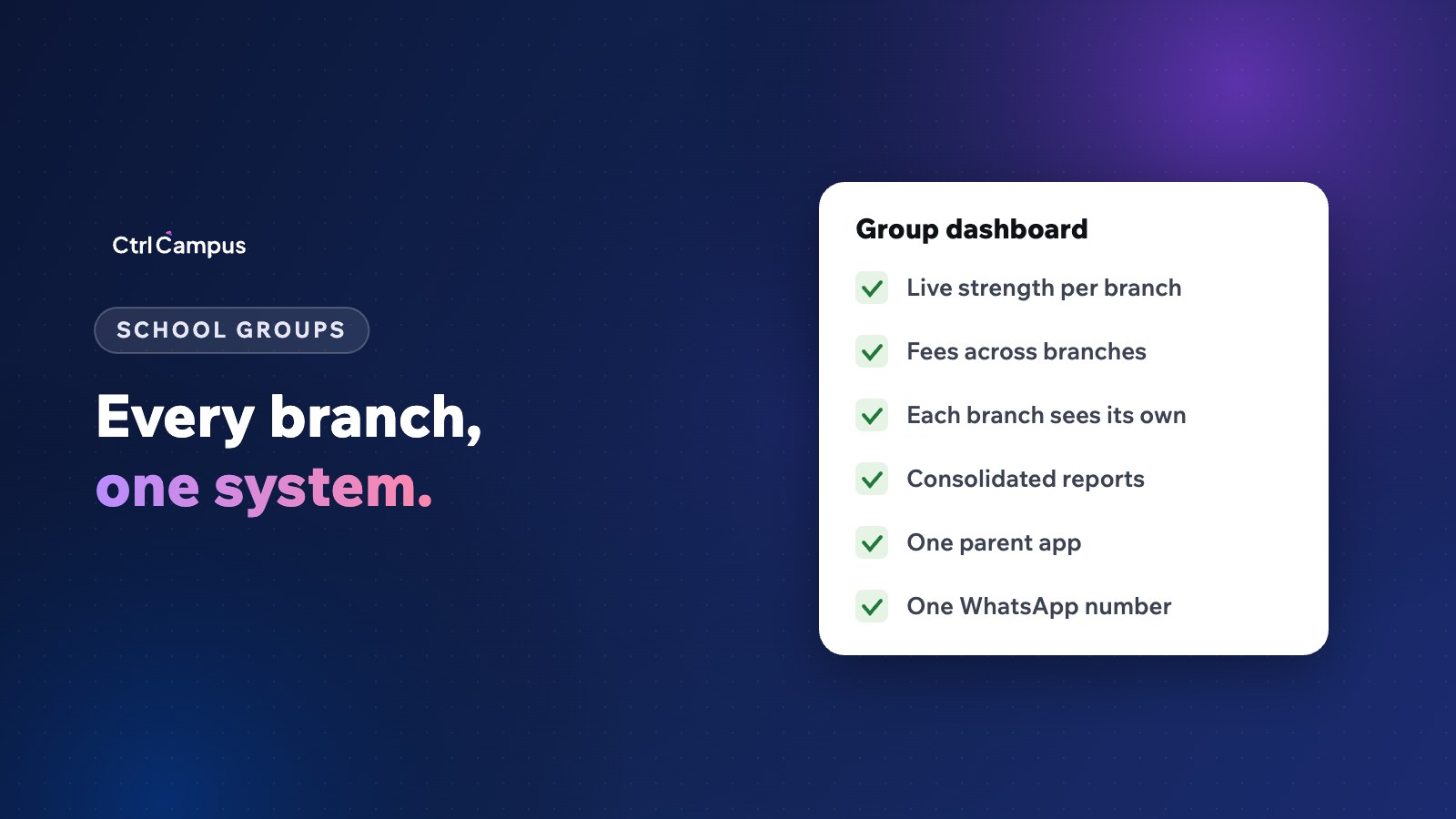
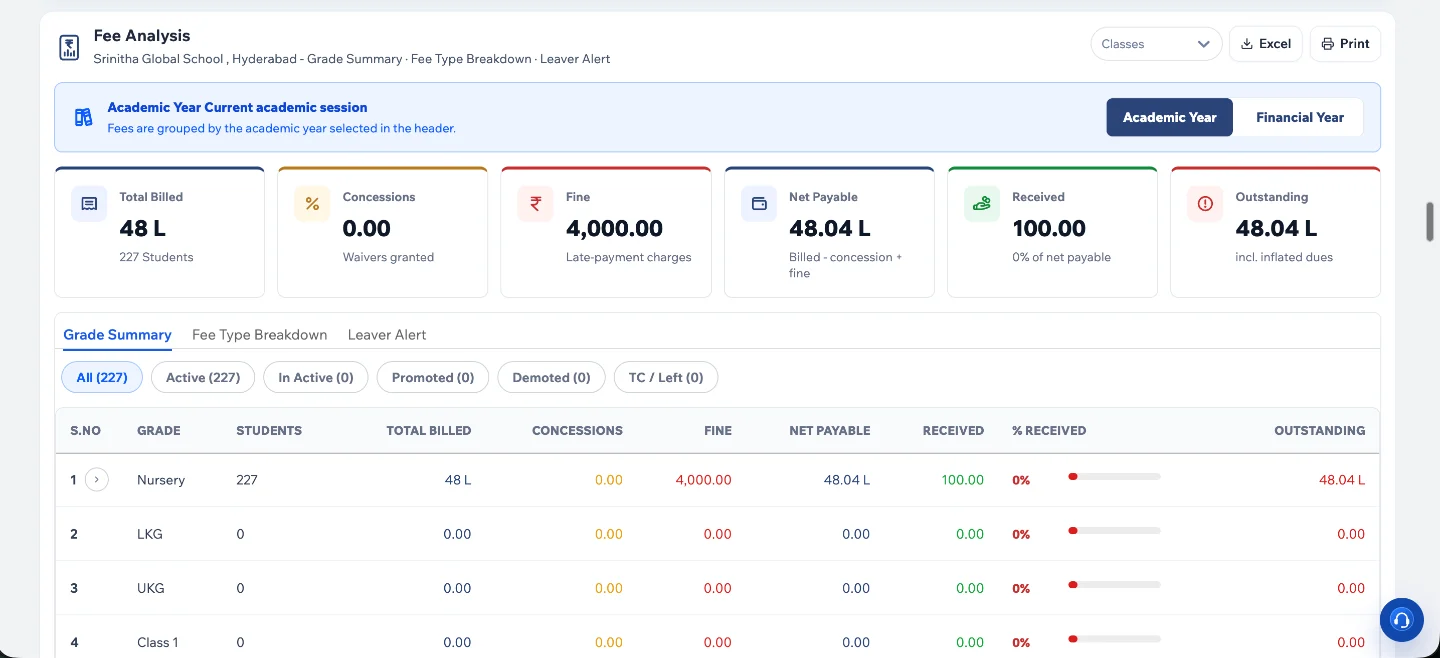
Strength by branch, class and section, fee collection and dues, attendance and admissions, all updated live rather than at month end.
Branch-level access control
Each branch sees only its own data. Management and group roles see across branches. This also matters for data protection under the DPDP Act.
Shared and branch-specific settings
Group-wide fee heads and report card formats, with branch-specific fee amounts, holidays and bus routes.
Consolidated reports
Fees, admissions, staff and attendance across the group, exportable to Excel for board meetings.
Transfers without re-typing
A student moving branches keeps their record, fee history and marks.
One parent app and one WhatsApp number
Parents should see all their children in one app, even in different branches, with messages from a verified school number.
How to roll out across branches
- Standardise fee heads and report formats at group level.
- Start with one or two branches as a pilot.
- Fix issues, write a one-page guide for branch offices.
- Roll out the remaining branches in waves.
- Switch off branch spreadsheets once the dashboard is trusted.
Questions to ask vendors about multi-branch support
- Can management see all branches in one login?
- Can each branch be limited to its own data?
- Are branch-wise and consolidated reports included?
- Is pricing per student across the group, or per branch?
- Can a parent with children in two branches use one app?
How CtrlCampus supports school groups
CtrlCampus shows every branch in one view. Each branch sees only its own data, with consolidated reports for management, and the live strength dashboard exports to an Excel workbook. Fees, admissions, attendance, transport, HR and payroll run on the same platform for all branches, and parents see every child in the CtrlGo app with one login. More than 110 institutions, including school groups across Andhra Pradesh, Telangana and Karnataka, run on CtrlCampus.
Read the Oaktree Kidz case study, see our ERP page, and check what school software costs for a group.
FAQ: multi-branch school management
Can each branch have different fees?
Yes. Fee heads can be shared across the group while amounts, instalments and concessions differ by branch.
Can a branch principal see other branches?
Not unless you allow it. Access is set by role and branch.
How are reports consolidated?
Management sees group totals and can drill into any branch, class or section, and export to Excel.
What about staff who work in two branches?
Ask your vendor whether a staff record can be linked to more than one branch, so attendance and payroll stay in one place.
Is one system cheaper than separate systems per branch?
Usually, because you avoid duplicate licences and tools, and head office stops rebuilding reports by hand. Book a demo to see a group dashboard.