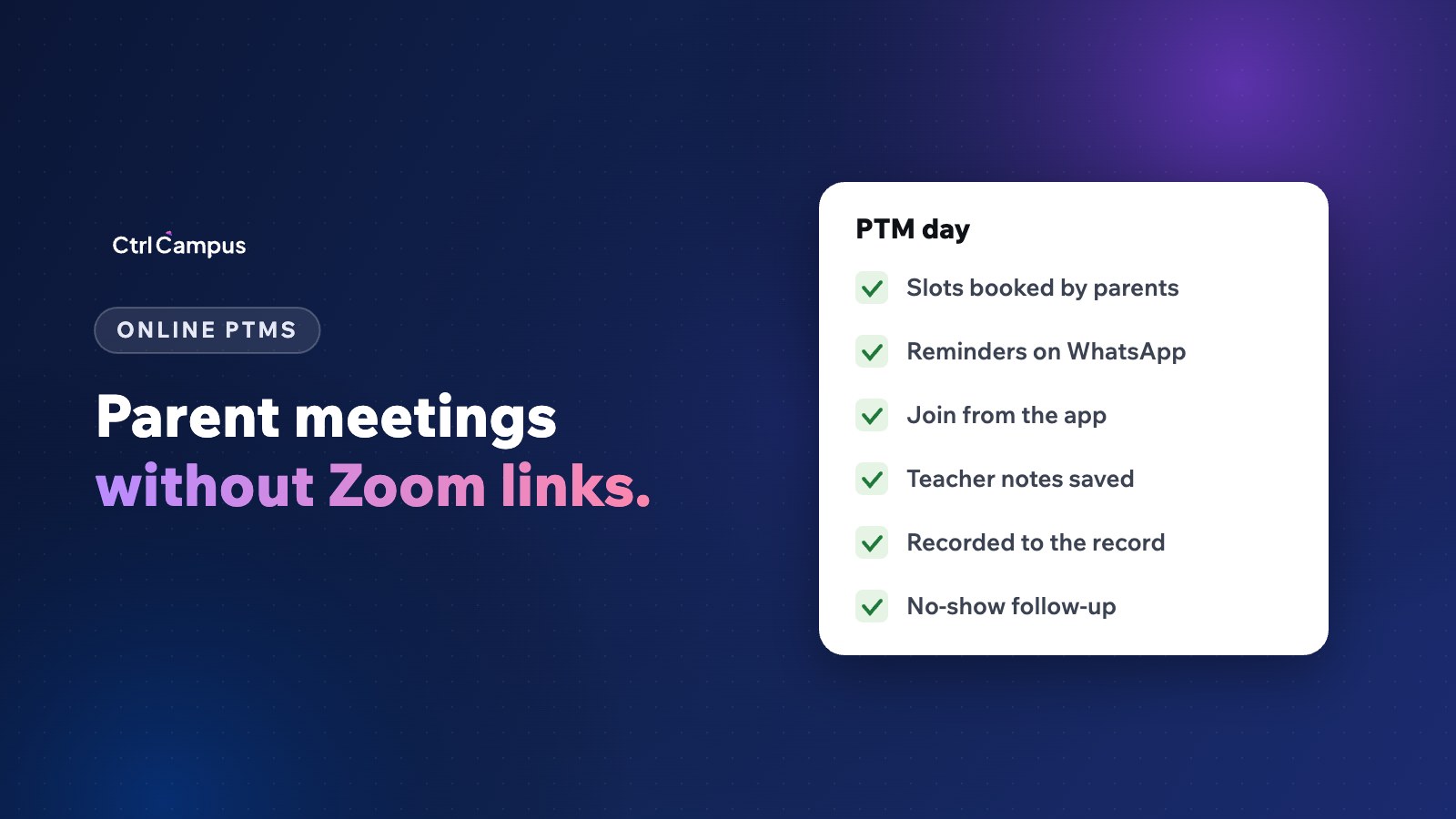
Quick answer: an online parent-teacher meeting works well when parents book a time slot, get a WhatsApp reminder, join from the school's parent app with no separate link, and the teacher's notes are saved to the student's record. That removes PTM-day queues and the scramble for meeting links.
Last updated: November 2026.
PTM day at many schools still means a crowded corridor, long waits and five-minute conversations. Online meetings during the pandemic solved some of this but brought their own problems: links shared in WhatsApp groups, parents joining the wrong meeting and no record of what was discussed. A planned approach takes the best of both.
Problems with traditional PTMs
- Parents wait for an hour for a short conversation.
- Working parents can't attend during school hours.
- Teachers see some parents several times and others never.
- Nothing discussed is written down for the next meeting.
Problems with ad hoc online meetings
- Separate meeting links shared in groups, often to the wrong people.
- Personal accounts of teachers used for school meetings.
- No booking, so parents join at random times.
- Recordings, if any, sit on personal devices.
How to run an online parent-teacher meeting day
- Publish slots. Each teacher opens time slots for the day, online or in person.
- Let parents book. Parents choose a slot in the parent app.
- Send reminders. A WhatsApp reminder the day before and an hour before.
- Join from the app. Parents and teachers join from their apps, with no external link.
- Keep to time. Short, focused meetings with a clear agenda: progress, concerns, next steps.
- Save notes. The teacher records key points and actions on the student's record.
- Follow up. Parents who missed their slot get a new one.
Recording meetings
Recordings help when a parent wants to share the discussion with a partner who couldn't attend, or when a concern needs to be reviewed later. Tell parents in advance that meetings are recorded, explain why, and keep recordings on the school's system rather than personal devices. Our DPDP Act guide for schools covers the wider rules on personal data.
Tips for teachers
- Prepare a short note for each child: strengths, one area to work on, one suggestion for home.
- Start with something positive and specific.
- Agree one action for the parent and one for the school.
- Keep difficult conversations for a longer, separate slot.
Beyond PTM day
The same setup works for admission counselling, online classes and staff meetings. A school's own meeting platform also means fewer accounts to manage and no meeting links leaking outside.
How CtrlMeet works
CtrlMeet is CtrlCampus's own video platform, built only for institutions. Teachers schedule PTMs with time slots, online classes and staff meetings from the CtrlOne staff app, parents join from the CtrlGo app with no separate download, and every meeting is recorded to the student record. There are no Zoom or Meet links to share. Read more about the parent app and the Oaktree Kidz case study.
Planning a PTM day: a simple timeline
- Two weeks before. Fix the date, decide which classes meet online and which in person, and ask teachers to open their slots.
- Ten days before. Announce the PTM to parents on WhatsApp with a link to book a slot in the parent app.
- One week before. Remind parents who haven't booked, and ask class teachers to prepare a short note for each child.
- The day before. Send slot reminders and check that every teacher has their schedule.
- On the day. Keep to time, record key points after each meeting and note any follow-up actions.
- The week after. Offer new slots to parents who missed theirs, and review attendance by class.
What parents want from a parent-teacher meeting
Parents usually come with three questions: how is my child doing, is there anything I should worry about, and how can I help at home. A good meeting answers all three with specifics: a piece of work, a recent mark, an observation from class. Parents also value hearing something positive about their child before any concern, and leaving with one clear thing to do.
For working parents, the biggest barrier is time. Evening or Saturday online slots often bring parents who never attended a weekday PTM before.
Measuring whether PTMs work
Track the share of parents who booked and attended by class, the number of follow-up actions agreed, and how many were completed by the next meeting. If attendance is low in one class, ask the class teacher to call the parents who didn't book. Over a year, these numbers show whether PTMs are becoming more useful or just more frequent.
FAQ: parent-teacher meeting
How long should a parent-teacher meeting be?
Around ten minutes is enough for a focused update. Book longer slots for concerns.
Should PTMs be online or in person?
Offer both. Online slots help working parents; in-person meetings suit younger classes and sensitive discussions.
Do parents need Zoom or Google Meet?
Not with CtrlMeet. Parents join from the CtrlGo app.
Should PTMs be recorded?
If you record them, tell parents in advance and keep recordings on the school's system.
How do we reduce no-shows?
Booked slots and WhatsApp reminders the day before and an hour before. Book a demo to see PTM booking in CtrlCampus.