Quick answer: parents keep using a school parent app when it answers their everyday questions in one place: was my child in school, is the bus coming, what do I owe and can I pay now, what is the homework and how are the marks. Alerts on WhatsApp bring them back into the app when something needs attention.
Last updated: November 2026.
Most schools have tried an app at some point. Many parents installed it, opened it twice and went back to calling the office. The difference between an app that is used and one that is ignored usually comes down to whether it is useful every week, and whether it is the only place to get that information.
Why many school apps fail
- They show circulars and a calendar, but not fees, bus location or attendance.
- Fees are paid somewhere else, through a link or at the counter.
- Each child needs a separate login.
- Messages still go out on WhatsApp groups, so the app has nothing new.
- It is slow or hard to log in on low-cost phones.
What a parent app should include
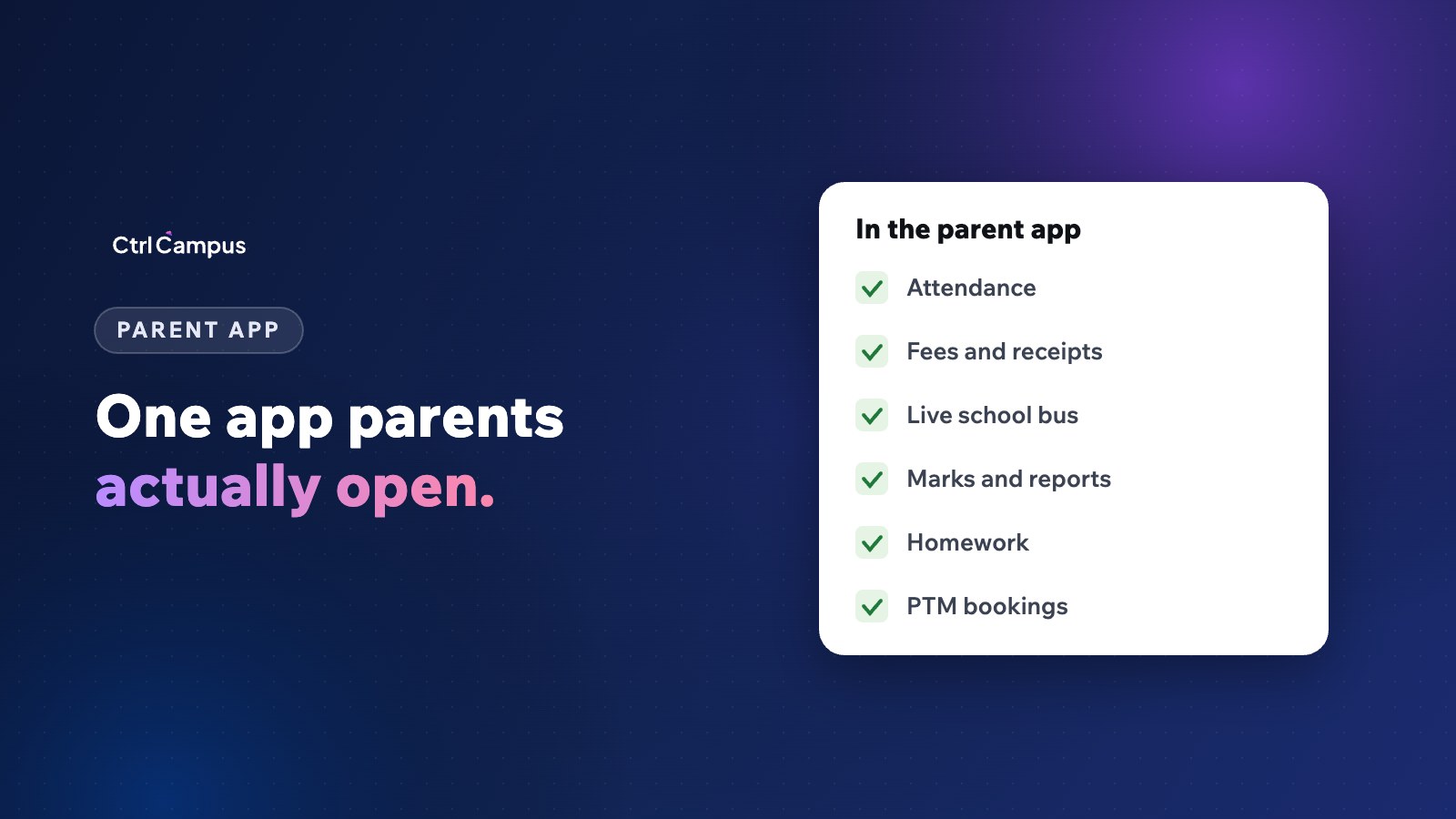
Attendance, the same morning
Parents want to know their child reached school. Absence alerts on WhatsApp, with details in the app, answer this immediately.
Fees and receipts
Dues, due dates, one-tap payment by UPI, card or net banking, and every receipt kept in one place.
Live bus tracking
Where the bus is now and an alert before it reaches the stop. This alone can make an app a daily habit. See bus tracking without GPS devices.
Homework and diary
What was taught and what needs to be done, so parents can help at home.
Marks and report cards
Test results and term reports as soon as they are published.
Meetings
Book parent-teacher meeting slots and join online meetings from the app. See online parent-teacher meetings.
One login for every child
Families with two or three children at the school should see all of them in one place.
How to get parents to sign up
- Announce the app on WhatsApp from the school's verified number, with a simple login guide.
- Help parents log in at admission, orientation and the first PTM.
- Send fee links and absence alerts that open in the app.
- Stop posting the same information in WhatsApp groups.
- Track sign-ups by class and ask class teachers to follow up.
Parent app and WhatsApp work together
WhatsApp is where parents notice things; the app is where they act. An alert says the fee is due, the child was absent or the report card is ready, and the app shows the details and lets the parent pay, reply or book. Our WhatsApp Business API guide for schools explains the messaging side.
Privacy matters
A parent app holds sensitive information about children. Parents should see only their own children, logins should be secure and the school should know who can access what. Read our DPDP Act guide for schools.
How CtrlGo works
CtrlGo is the CtrlCampus parent app. Parents see attendance, pay fees, track the school bus, check marks and join meetings, all with one login for every child, plus WhatsApp alerts for the things that need attention. Because it runs on the same platform as the ERP, fees, attendance and marks are always current. Read the Oaktree Kidz case study.
FAQ: parent app
What should a school parent app include?
Attendance, fees and payments, bus tracking, homework, marks and meetings, with one login for all children.
How do we get parents to use the app?
Make it the place where they pay fees, see the bus and get absence details, and help them log in at school events.
Is a parent app better than WhatsApp groups?
They do different jobs. Official WhatsApp is best for alerts; the app is best for details and actions. Groups mix both and leak numbers.
Do parents with several children need separate logins?
They shouldn't. One login should show every child.
Does the app work on basic smartphones?
It should. Test it on low-cost Android phones before rollout. Book a demo to see CtrlGo.