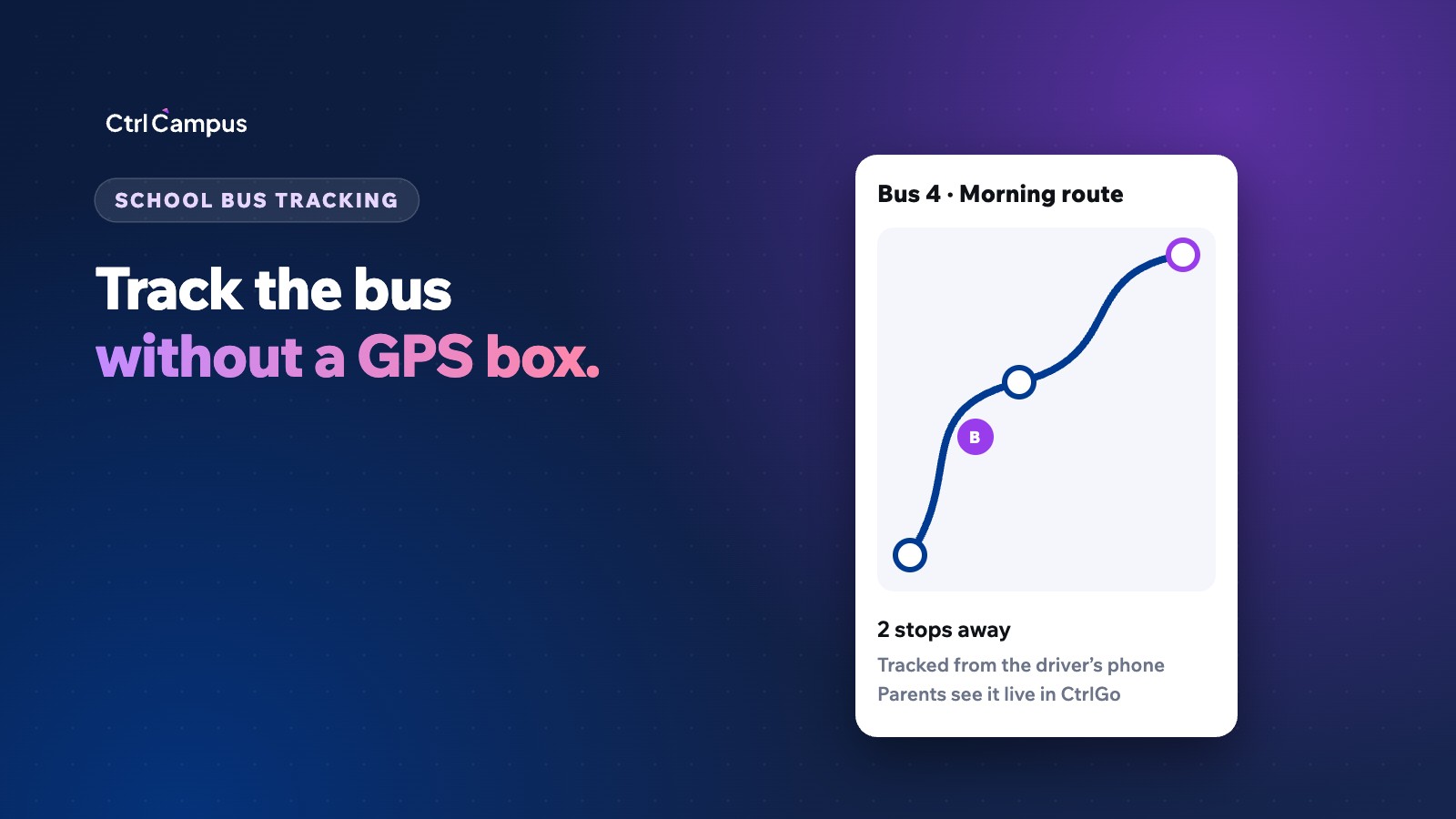
A school bus tracking app lets parents see where their child's bus is and get an alert before it reaches their stop. For years, that meant fitting a GPS box in every vehicle. Today, the driver's smartphone can do the same job, which removes the hardware, the installation and the per-vehicle subscriptions.
This guide explains how phone-based tracking works, what parents and the transport office actually need, and what to check before you choose a system.
Why parents want live bus tracking
One of the most common calls a school front office takes in the morning and afternoon is some version of "Where is the bus?" Parents waiting at a stop in the rain, or a grandparent waiting at the gate, want to know whether to wait or come back in ten minutes. Live tracking answers that question before they call.
It also builds trust. When parents can see the bus moving and get an alert when it is near, they worry less about delays they can't explain, and the front office gets its mornings back.
For the school, live tracking also creates a record. If a parent says the bus never came, the transport office can check the trip record instead of relying on memory.
How a school bus tracking app works without GPS devices
Every modern smartphone has a GPS receiver built in. Phone-based tracking uses it:
- The driver or bus attendant opens the driver app and starts the trip.
- The app shares the bus's live location while the trip is running.
- Parents see the bus on a map in the parent app, along with its route and stops.
- Parents get an alert as the bus approaches their stop.
- The driver ends the trip, and the trip record is saved.
There is no box to install, no wiring, no SIM card to recharge and no separate tracking portal for parents to log in to. The location appears in the same app where parents already check attendance and pay fees.
GPS device vs phone-based tracking
A GPS device in every bus
- Hardware to buy and install for each vehicle.
- Usually a SIM card and a yearly subscription per device.
- A separate portal or app for parents and the transport office.
- Repairs and replacements when a device fails or is removed.
Tracking from the driver's phone
- No hardware to buy or install.
- Works on the phone the driver already carries.
- Location shows inside the school's own parent app.
- Trips and routes are managed in the same system as student data.
The trade-off is that phone-based tracking depends on the driver starting the trip and keeping the phone charged and online. A simple routine handles this: a phone mount and charger in each bus, and a quick check by the transport in-charge that every trip started on time.
What the transport office needs
Parents see the map, but the transport in-charge runs the routes. A good system gives them:
- Routes and stops they can edit when a new student joins or a stop moves.
- Student-to-stop allocation, so each parent sees only their own child's bus.
- Every bus on one screen, with trips that haven't started flagged.
- Vehicle and trip records for each driver and bus.
- Transport fees linked to the fee account, so the bus fee isn't tracked in a separate sheet.
A safety checklist for school transport
Tracking is one part of transport safety. Review these each term:
- Verified driver and attendant details on file.
- An attendant on every bus, and a female attendant where your state rules or school policy require it.
- Up-to-date vehicle documents, including fitness, insurance and permits.
- Speed and route discipline reviewed from trip records.
- A clear process for telling parents about breakdowns or delays.
Rules for school buses vary by state and board and are updated from time to time, so check the current guidelines from your state transport department and your board.
How to roll out bus tracking in two weeks
- Clean up routes and stops. Make sure every route, stop and timing in your records matches what actually happens.
- Allocate students to stops. Each student should belong to exactly one pick-up stop and one drop stop.
- Set up drivers. Install the driver app on each driver's phone and show them how to start and end a trip.
- Run a trial week. Track buses without telling parents yet, and fix routes or timings that look wrong.
- Announce it to parents. Send a short WhatsApp message explaining where to see the bus in the parent app.
- Review daily for the first month. Check that every trip started, and follow up with drivers who forget.
Most problems in the first weeks are habits, not technology. A driver who forgets to start the trip once or twice is quickly corrected when the transport in-charge can see it on screen.
Who can see the bus location
Location data about children's travel is sensitive. Parents should see only the bus their child is allocated to, and only during trips. Staff access should be limited to the transport office and administrators. Under India's DPDP Act, schools will need to show that personal data is collected for a clear purpose and protected, and our DPDP Act guide for schools explains the timeline.
How CtrlBus works
CtrlBus is CtrlCampus's in-house bus tracking. The driver's phone tracks the bus. Parents see it live in the CtrlGo app and get arrival alerts. The transport office manages every route and stop, and the driver app keeps vehicle and trip records.
Because CtrlBus is part of the same platform as the ERP, transport fees appear in the student's fee account, and alerts can go out from the school's official WhatsApp number. There is no GPS box to buy and nothing extra for parents to log in to.
If you are comparing the cost of tracking hardware with an all-in-one platform, see our school management software cost guide and School ERP vs 7 separate apps. To see how one school group runs on a single system, read the Oaktree Kidz case study.
FAQ: school bus tracking app
Do we need GPS devices to track school buses?
No. A smartphone has a GPS receiver built in, so the driver's phone can share the bus's live location. CtrlBus works this way.
What happens if the driver's phone loses signal?
Location updates pause in areas with no mobile network and resume when the signal returns. Keep a charger in each bus and have the transport in-charge watch for trips that haven't started.
Can parents see only their own child's bus?
Yes. Each student is allocated to a route and stop, so parents see the bus their child travels on.
Do parents need a separate app for bus tracking?
Not with CtrlCampus. Bus tracking is inside CtrlGo, the same parent app used for attendance, fees, marks and meetings.
Can transport fees be collected in the same system?
Yes. Transport fees sit in the student's fee account in the ERP, alongside tuition and other fees. Book a demo to see CtrlBus on your own routes.