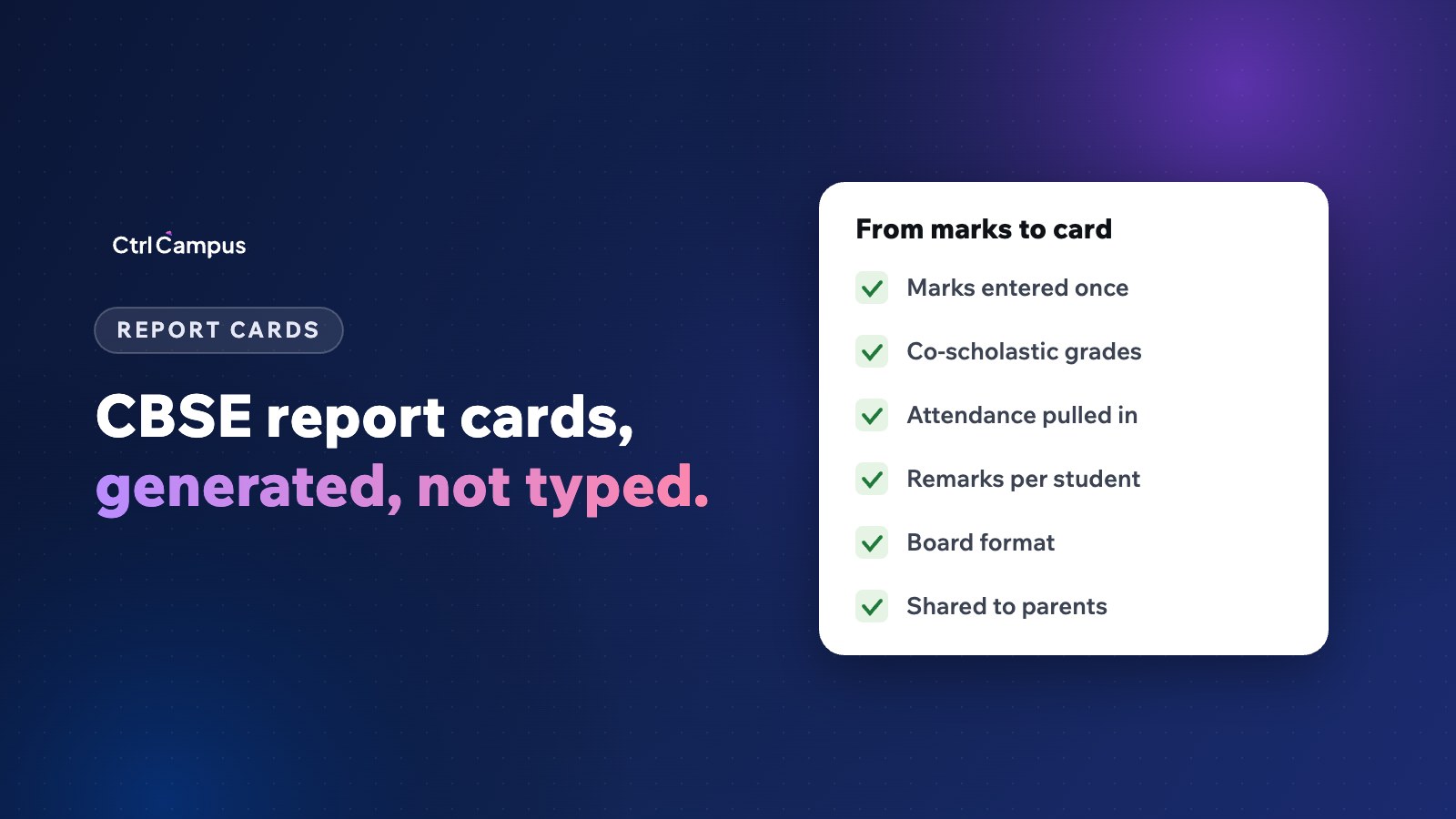
Quick answer: a CBSE report card typically shows marks in each subject across the year's assessments, grades for co-scholastic areas such as arts, health and physical education and work education, discipline or values, attendance and teacher remarks. The quickest way to produce it is to generate it from marks teachers enter once, instead of copying them into a template.
Last updated: November 2026. CBSE updates its assessment guidance from time to time; follow the latest circulars for each class.
Report card week is one of the busiest of the term. Teachers enter marks in one sheet, class teachers copy them into another, someone formats the cards and the principal signs hundreds of pages, often finding errors at the last minute. Most of this work can be removed.
What a CBSE report card usually includes
Student details
Name, class and section, roll number, admission number, date of birth and parents' names, taken from the student record so they are always spelled the same way.
Scholastic areas
Marks for each subject across the year's assessments, such as periodic tests, notebook work, subject enrichment activities and term or annual exams, with totals and grades as per your school's scheme.
Co-scholastic areas
Grades for areas such as work education, art education, and health and physical education.
Discipline and values
Grades or descriptors for conduct, values and attitudes, where your scheme includes them.
Attendance
Working days and days present, pulled from the attendance records.
Remarks and result
The class teacher's remarks, the result, and the principal's and class teacher's signatures.
Report cards and NEP 2020
Under NEP 2020, schools are moving towards the Holistic Progress Card, which adds competencies, self and peer assessment and parent input to marks. Many schools now combine both: the familiar marks and grades, with competency descriptors and reflections alongside.
Why manual report cards go wrong
- Marks copied between spreadsheets introduce errors.
- Attendance totals don't match the register.
- Name spellings differ from the admission record.
- Formula mistakes change grades.
- Last-minute changes mean reprinting whole classes.
How to automate CBSE report cards
- Set up the assessment structure for each class: assessments, weightages and grading scales.
- Let subject teachers enter marks once, from a phone or computer, against the structure.
- Record co-scholastic grades and remarks in the same system.
- Pull attendance automatically from daily attendance.
- Check completeness class by class before generating cards.
- Generate cards in your school's approved format.
- Publish to parents in the parent app, and print only where needed.
Checks before publishing
- Every subject has marks for every student.
- Absent students are marked correctly, not as zero by mistake.
- Grade boundaries match your scheme.
- Remarks are written for every student.
- The principal has reviewed a sample from each class.
How CtrlAssess helps
CtrlAssess handles exam schedules, marks entry and co-scholastic grades, with assessment templates aligned to NEP 2020. Teachers enter marks once from the CtrlOne staff app, and report cards are generated from the same data with no re-entry, with board-ready reports for CBSE, ICSE and state boards. Marks flow into the ERP and to parents in CtrlGo. Read our guide to competency-based assessment and the Oaktree Kidz case study.
FAQ: CBSE report card
What should a CBSE report card include?
Student details, scholastic marks, co-scholastic grades, attendance, remarks and the result, following CBSE's latest guidance for the class.
Is there one fixed CBSE report card format for every class?
Formats differ by class and change over time. Follow CBSE's current circulars and your school's approved template.
Can report cards be generated automatically?
Yes, from marks, grades and attendance entered in the school's system.
Should report cards be shared online?
Sharing in the parent app is faster and saves printing, with printed copies where needed.
How does NEP 2020 change report cards?
It moves schools towards the Holistic Progress Card, adding competencies and reflections to marks. Book a demo to see report cards in CtrlAssess.