Quick answer: online fee collection for schools works best when parents pay through a payment gateway linked to the school's fee system, so every UPI, card or net banking payment is confirmed automatically, the receipt is sent at once and the student's ledger updates without anyone matching bank statements.
Last updated: November 2026.
Many schools "accept online payments" by sharing a UPI ID or bank account and asking parents to send a screenshot. It works until the accounts office has to match hundreds of screenshots against a bank statement at month end. Proper online fee collection removes that work entirely.
Ways schools collect fees online
UPI ID or QR code shared directly
Easy to start, but payments arrive with little information about which student they are for, so every payment has to be matched by hand.
Bank transfer
Similar problems: parents use different references, and reconciliation is manual.
Payment gateway linked to the fee system
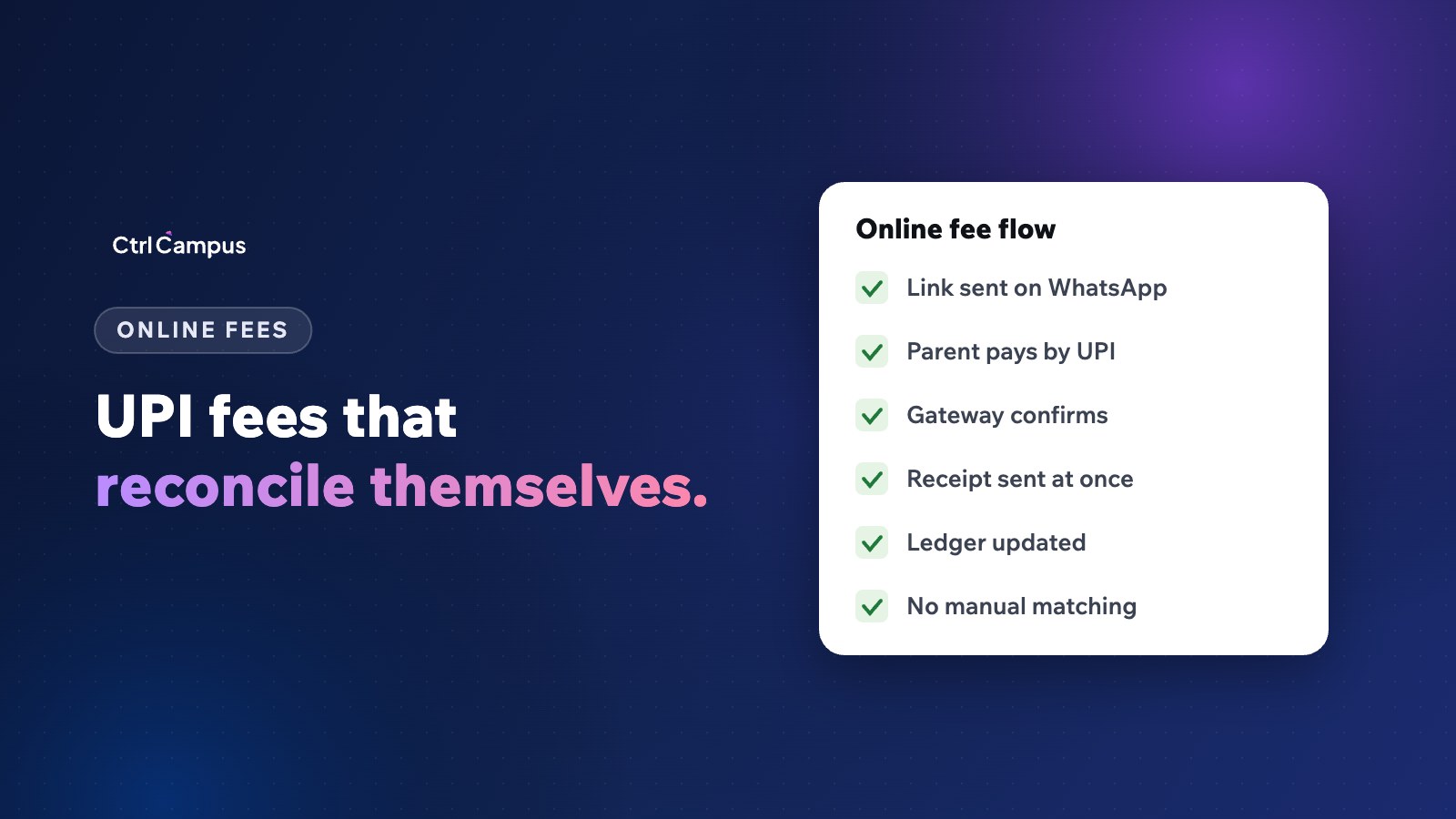
The school's software creates a payment request for a specific student and amount. The parent pays by UPI, card or net banking through the gateway. The gateway confirms the payment back to the software, which issues the receipt and updates the ledger. This is the only option that scales.
How a gateway-based fee payment works
- The school sends a fee reminder with a payment link, or the parent opens the parent app.
- The parent sees the exact dues and chooses UPI, card or net banking.
- The gateway processes the payment.
- The gateway confirms the payment to the fee system automatically, usually by webhook.
- The receipt goes to the parent immediately.
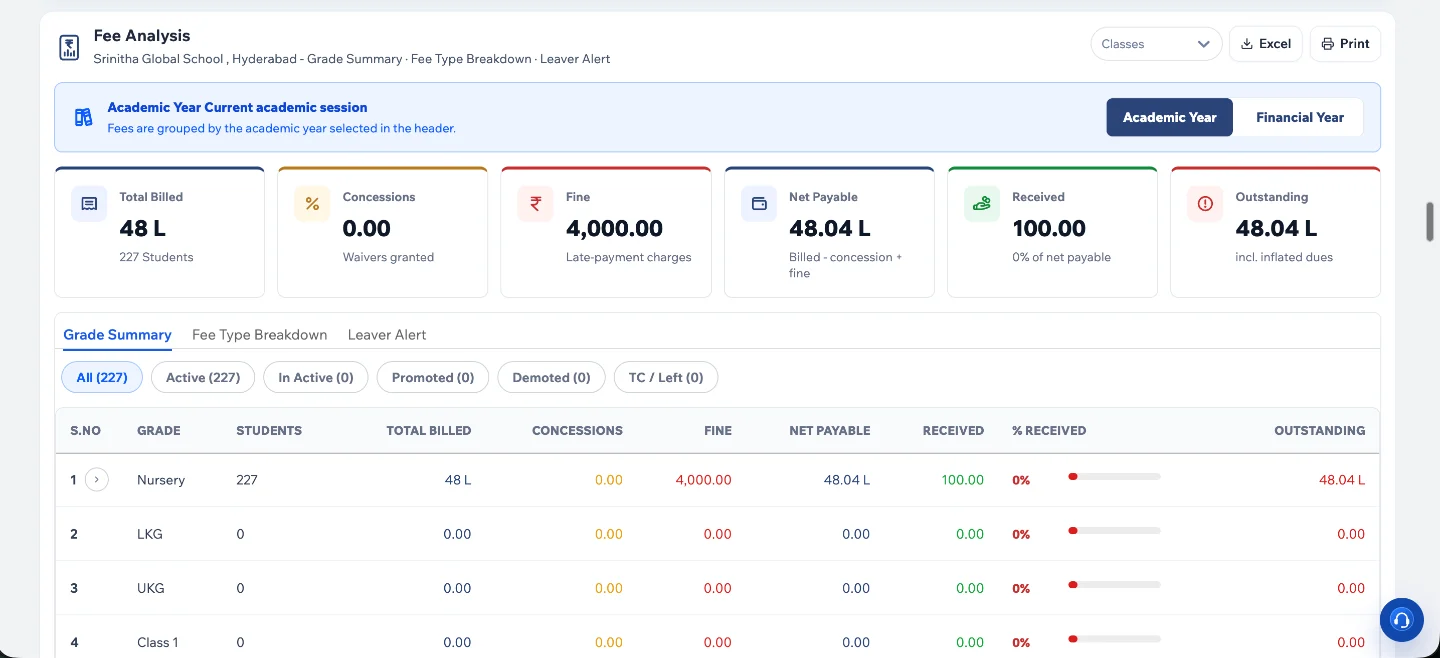
- The student's ledger and the school's reports update at once.
Choosing a payment gateway
- Support for UPI, cards and net banking.
- Clear charges by payment method. Check the current pricing with each gateway, especially for cards.
- Settlement timelines into the school's bank account.
- Integration with your fee software, so payments are confirmed automatically.
- Support for split settlements if you have multiple branches or accounts.
Reconciliation without the spreadsheet
When every payment is tied to a student and confirmed by the gateway, reconciliation is reduced to checking the gateway's settlement report against your fee collection report. Mismatches become rare, and they show up as exceptions instead of hours of matching.
Cash and cheque payments
Some parents will still pay at the counter. Record those in the same system, with a receipt, so dues and reports stay complete.
Security and parent trust
Use a gateway regulated as a payment aggregator, and never ask parents to share card details by phone or WhatsApp. Payment links should come from the school's verified number or app. See our guide to student data security.
How CtrlCampus collects fees online
Parents pay from the CtrlGo app through payment gateways such as Cashfree and Easebuzz, by UPI, cards or net banking. Each payment updates the fee record and the receipt straight away, confirmed by webhook, so there is no manual reconciliation. Fee links can also be sent on WhatsApp from your school's verified number, and parents can pay inside the chat. Instalments and concessions are set per student in the ERP. See our integrations page, the guide to the school fee structure format and the Oaktree Kidz case study.
FAQ: online fee collection for schools
Is sharing a UPI QR code enough?
It accepts payments but doesn't tell you which student paid, so reconciliation stays manual. A gateway linked to the fee system solves this.
Who pays the gateway charges?
That is the school's decision. Some schools absorb them, others pass on charges for certain methods. Be transparent with parents.
How quickly do parents get a receipt?
With a gateway linked to the fee system, immediately after the payment is confirmed.
Can parents pay part of the fee online?
If your fee structure allows instalments, the system can accept the instalment amount due.
Can we still accept cash?
Yes. Record it in the same system so dues and reports stay accurate. Book a demo to see online fee collection.