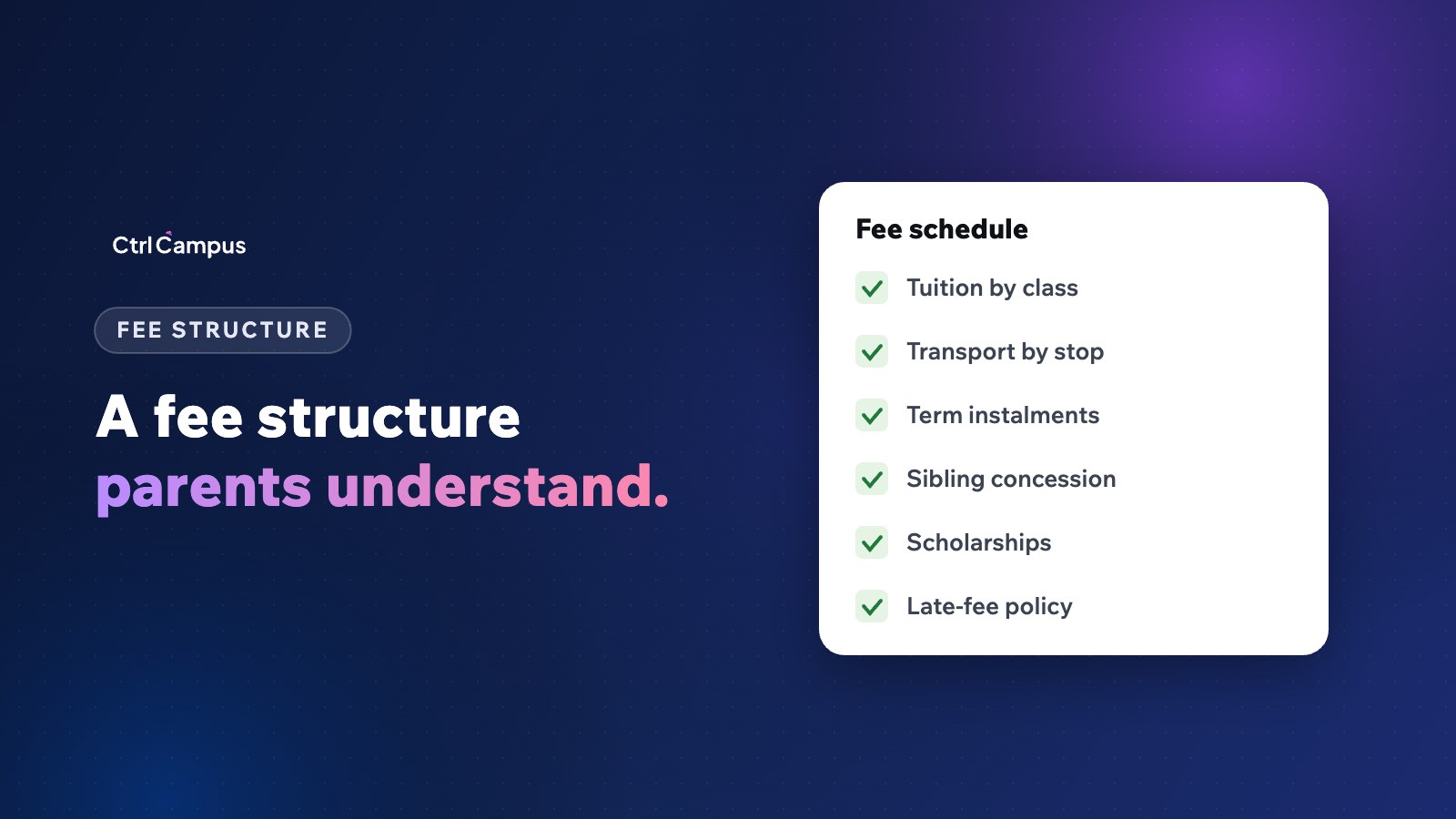
Quick answer: a good school fee structure format lists each fee head (such as admission, tuition, transport and activities), the amount for each class, when each instalment is due, how concessions and scholarships apply, and the late-fee policy, all on one page parents receive at admission and can see in the parent app.
Last updated: November 2026.
Most fee disputes start with a fee structure that is unclear. Parents don't know what an amount covers, whether a concession was applied or when the next instalment is due. A clear school fee structure format solves most of this before the first reminder is sent.
What to include in a school fee structure format
Fee heads
List each head separately so parents can see what they pay for. Common heads are:
- One-time fees: admission or registration.
- Annual fees: development, activities, books or uniform where the school provides them.
- Tuition fees: charged per term or per month.
- Transport fees: by route or distance band.
- Optional fees: hostel, meals, special programmes.
Class-wise amounts
Show amounts for each class or group of classes. Keep the same heads across classes so parents with two children can compare easily.
Instalment schedule
Show how annual fees split into instalments, with due dates. Common patterns are annual, term-wise (two or three) or monthly. Monthly and quarterly instalments are easier for many families.
Concessions and scholarships
State each concession clearly: sibling concession, staff ward concession, merit or need-based scholarships. Say which fee heads they apply to and how they are approved.
Late-fee and refund policy
When late fees apply, how much and from which date, and the refund rules for withdrawals.
A simple layout that works
Use a table with fee heads as rows and classes as columns, followed by the instalment schedule with dates, then concessions, then policies. Keep it to one page if you can, and use plain words rather than accounting terms.
Mistakes to avoid
- Combining several heads into one "annual charges" figure with no breakdown.
- Changing amounts mid-year without written notice.
- Concessions applied by hand and not shown on receipts.
- Transport fees tracked in a separate sheet from tuition.
- Due dates that fall on the same week as other big family expenses, such as the start of the year.
Check your state's fee rules
Several states regulate fees at private schools, including how fees are fixed and increased. Check your state's current rules and any fee regulatory committee requirements before publishing or changing fees, and keep records of approvals.
Publishing the fee structure
Share it at admission, in writing, and keep it in the parent app so parents can check it at any time. Each receipt should show the fee heads paid, concessions applied and balance remaining. When parents can see their dues and pay from the same place, reminders work better. See how to reduce school fee defaults.
How fee structures work in CtrlCampus
In the CtrlCampus ERP, fee structures are set up by class with instalments and concessions per student. Transport fees from CtrlBus sit in the same fee account. Parents see dues and pay by UPI, cards or net banking from the CtrlGo app, receipts are generated automatically, and reminders go out on WhatsApp from your school's verified number. Read our guide to online fee collection and the Oaktree Kidz case study.
FAQ: school fee structure format
What should a school fee structure include?
Fee heads, amounts by class, instalment dates, concessions and scholarships, and late-fee and refund policies.
Should transport fees be part of the fee structure?
Yes, as a separate head by route or distance, collected in the same account as tuition.
How should sibling concessions be shown?
As a separate line stating the percentage or amount and the fee heads it applies to.
Can fees be paid monthly?
Many schools offer monthly or quarterly instalments. Your software should handle them per student.
Where should parents see the fee structure?
In writing at admission and in the parent app, alongside their dues and receipts. Book a demo to see your fee structure in CtrlCampus.