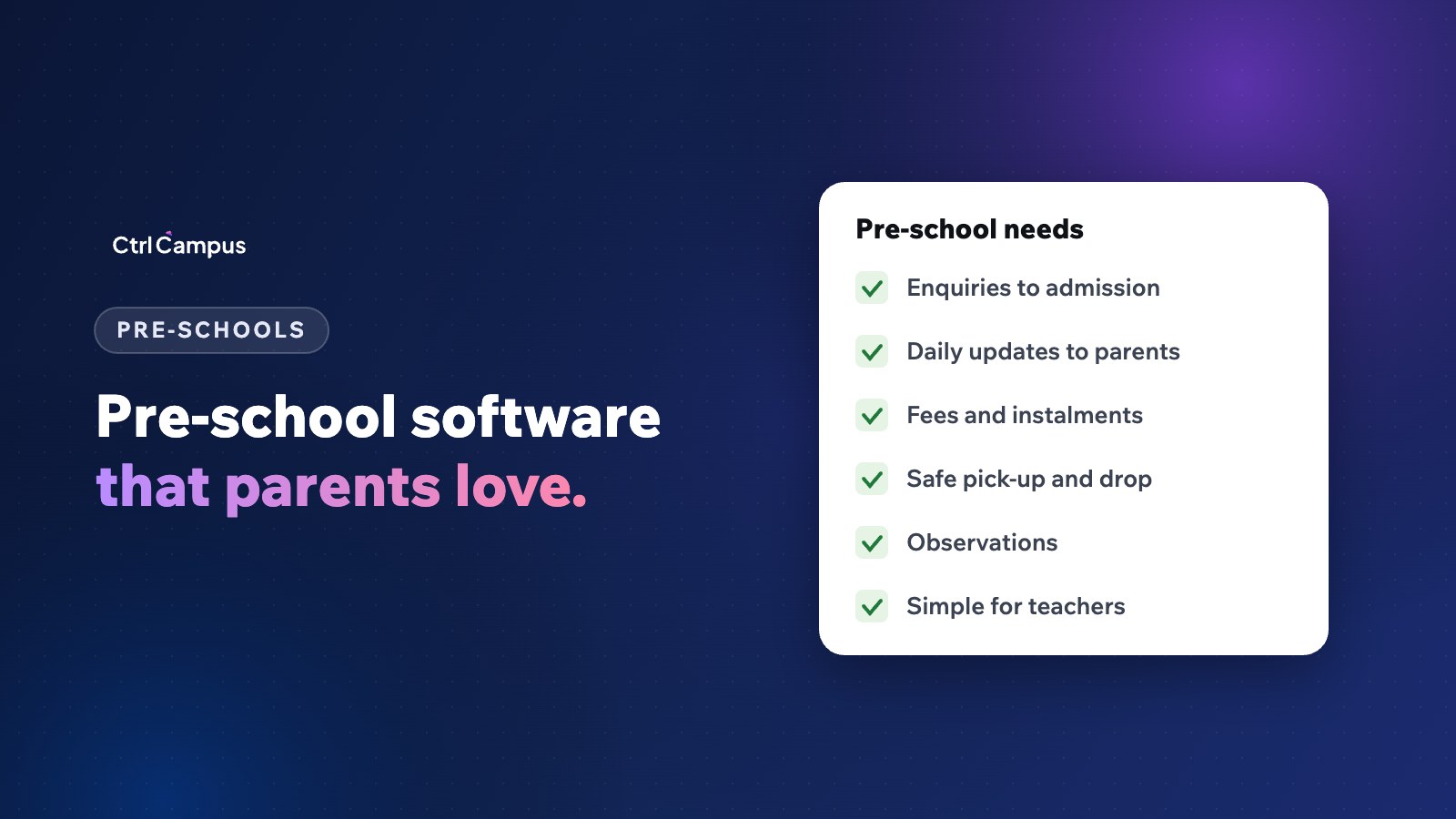
Quick answer: preschool management software should handle enquiries and admissions all year, fees in instalments, daily updates and photos for parents, safe pick-up and drop, observation-based progress for young children and a simple parent app, without making teachers spend time on screens instead of children.
Last updated: November 2026.
Pre-schools are not small K12 schools. Children are two to six years old, parents want to know how their child's day went, admissions happen through the year and many pre-schools run as chains or franchises across several centres. Generic school software often misses these needs.
What makes pre-schools different
- Admissions continue through the year, not just in one season.
- Parents expect frequent updates, often daily.
- Safety at pick-up and drop matters more with very young children.
- Progress is observed, not tested.
- Many pre-schools run several centres under one brand.
- Teachers' time with children is precious; admin must be quick.
What preschool management software should do
Enquiries and admissions
Website, walk-in, phone and WhatsApp enquiries in one list, with follow-up reminders and campus visit booking. See how an admission CRM works.
Fees and instalments
Monthly or term-wise fees, sibling concessions and online payment with instant receipts.
Daily updates to parents
Attendance, activities and announcements, shared through the parent app with alerts on WhatsApp.
Safe pick-up and drop
Clear records of who is authorised to collect each child, and transport tracking for pre-schools that run vans.
Observation-based progress
Under NEP 2020, the foundational stage covers ages three to eight, and progress is recorded through observation and play-based activities. See our guide to the Holistic Progress Card.
Parent-teacher meetings
Booked slots and online meetings for parents who can't come in.
Multi-centre management
For chains, a view of every centre's admissions, fees and attendance, with each centre seeing only its own data.
Choosing software for a pre-school
- Is it simple enough for teachers to use quickly?
- Does the parent app show attendance, fees and updates in one place?
- Can enquiries be followed up through the year?
- Does it support multiple centres?
- Is pricing in line with a pre-school's size?
How CtrlCampus supports pre-schools
CtrlCampus runs pre-schools and K12 schools on one system, from playgroup onwards. Admissions and fees are in one place, parents see attendance, the bus and meetings in the CtrlGo app, and enquiries are tracked in the Education CRM. Oaktree Kidz moved admissions, fees, attendance and parent communication onto CtrlCampus and reported an 80% reduction in operational cost. See our page for pre-schools and K12 and the guide to the parent app.
Admissions all year: a pre-school pipeline
Pre-schools receive enquiries every month, peaking before the new session but never stopping. A simple pipeline keeps them moving:
- Enquiry. From the website, Google, walk-ins, calls or WhatsApp, with the source recorded.
- First reply. The same day, with an invitation to visit.
- Visit. A tour with the parent and child, ideally during activity time so parents see the classroom in action.
- Follow-up. Fee details, a document checklist and an answer to any concern raised during the visit.
- Settling in. Start dates and a gradual settling-in plan for the child.
A day in the parent app
For a pre-school parent, a useful day might include a check-in note when the child arrives, a short update or photo from an activity, a reminder about tomorrow's theme day, and a notification when the child is picked up. Keep updates short and regular rather than long and occasional. Teachers should be able to post them in seconds.
Safety and privacy for young children
Photos and updates about young children are sensitive. Share photos only with the parents of children in them, or with the class when parents have agreed. Keep a clear record of who is authorised to collect each child, and check it at every pick-up. India's DPDP Act treats anyone under 18 as a child, so consent and careful handling of children's data matter; see our DPDP Act guide for schools.
FAQ: preschool management software
Do pre-schools need management software?
If they handle enquiries, fees and parent communication for more than a few dozen children, software saves time and reduces missed follow-ups.
What is the most important feature for a pre-school?
Usually admissions follow-up and parent communication, since pre-schools admit through the year and parents expect frequent updates.
Can one system run several pre-school centres?
Yes, with each centre seeing its own data and management seeing all centres.
How should pre-schools track progress?
Through observations and activities against learning goals, not tests.
Is the same software suitable when the pre-school grows into a school?
It helps if the system covers K12 too, so records continue. Book a demo to see CtrlCampus for pre-schools.