Quick answer: a school ERP implementation succeeds when one person owns it, data is cleaned before it is loaded, each office is set up and trained on its own tasks, parents are told before go-live, and the first month has daily checks. Most delays come from late data and unclear ownership, not from the software.
Last updated: November 2026.
Schools often expect software to go live the week after signing. In practice, the speed of a school ERP implementation depends mostly on the school: how quickly data arrives, who makes decisions and whether staff have time to train. This checklist keeps the project moving.
Before you start: name the owners
- Project owner. Usually the administrator or a vice principal, with authority to make decisions.
- Accounts lead. Owns fee structures, concessions and opening balances.
- Academic lead. Owns classes, subjects, timetables and report cards.
- Admissions lead. Owns enquiry stages and sources.
- Transport lead. Owns routes, stops and drivers.
- HR lead. Owns staff records, leave rules and pay structures.
Each lead answers questions in their area within a day. That alone removes most delays.
The school ERP implementation checklist
Step 1: Kick-off
- Agree the go-live date and the order of modules.
- Share the list of branches, classes and sections.
- Agree how data will be shared and who checks it.
- Set a weekly 30-minute review with the vendor.
Step 2: Data migration
- Export students, parents, staff, fee dues, receipts, marks and attendance from current systems.
- Clean duplicates and missing phone numbers.
- Load and reconcile totals against the old reports.
Our guide to switching school ERP mid-year explains migration in detail.
Step 3: Setup
- Fee structures, instalments, concessions and late-fee rules.
- Payment gateway and receipt formats.
- Report card templates for your board.
- Admission stages and enquiry sources.
- Bus routes, stops and student allocation.
- Staff roles, leave rules and pay structures with PF, ESI and PT.
- WhatsApp number verification and message templates.
- User roles, so each person sees only what they need.
Step 4: Training
- Train each office on its own daily tasks, using real records.
- Train class teachers on attendance and marks entry in the staff app.
- Train drivers on starting and ending trips.
- Give each office a one-page cheat sheet.
Step 5: Go-live
- Tell parents on WhatsApp what is changing and how to log in.
- Switch on modules in the agreed order.
- Check collections, attendance and messages daily for two weeks.
- Keep a shared list of issues and close them quickly.
The first 30 days after go-live
- Week 1: daily check-ins with each office; fix access and template issues.
- Week 2: reconcile the first fee collections and receipts.
- Week 3: review parent app sign-ups and follow up with classes that lag.
- Week 4: review reports with management and switch off old tools.
Mistakes that delay school ERP implementation
- No single owner, so decisions wait for meetings.
- Data sent in pieces over several weeks.
- Fee structures changed during setup.
- Training only one person per office.
- Going live in the middle of exams or the main fee week.
- Keeping old tools running "just in case", so staff never switch.
How to measure success
After three months, check: are fees reconciled automatically, are absence alerts reaching parents the same morning, are enquiries followed up within a day, and has re-typing between offices stopped? If yes, the implementation has worked.
How CtrlCampus implements
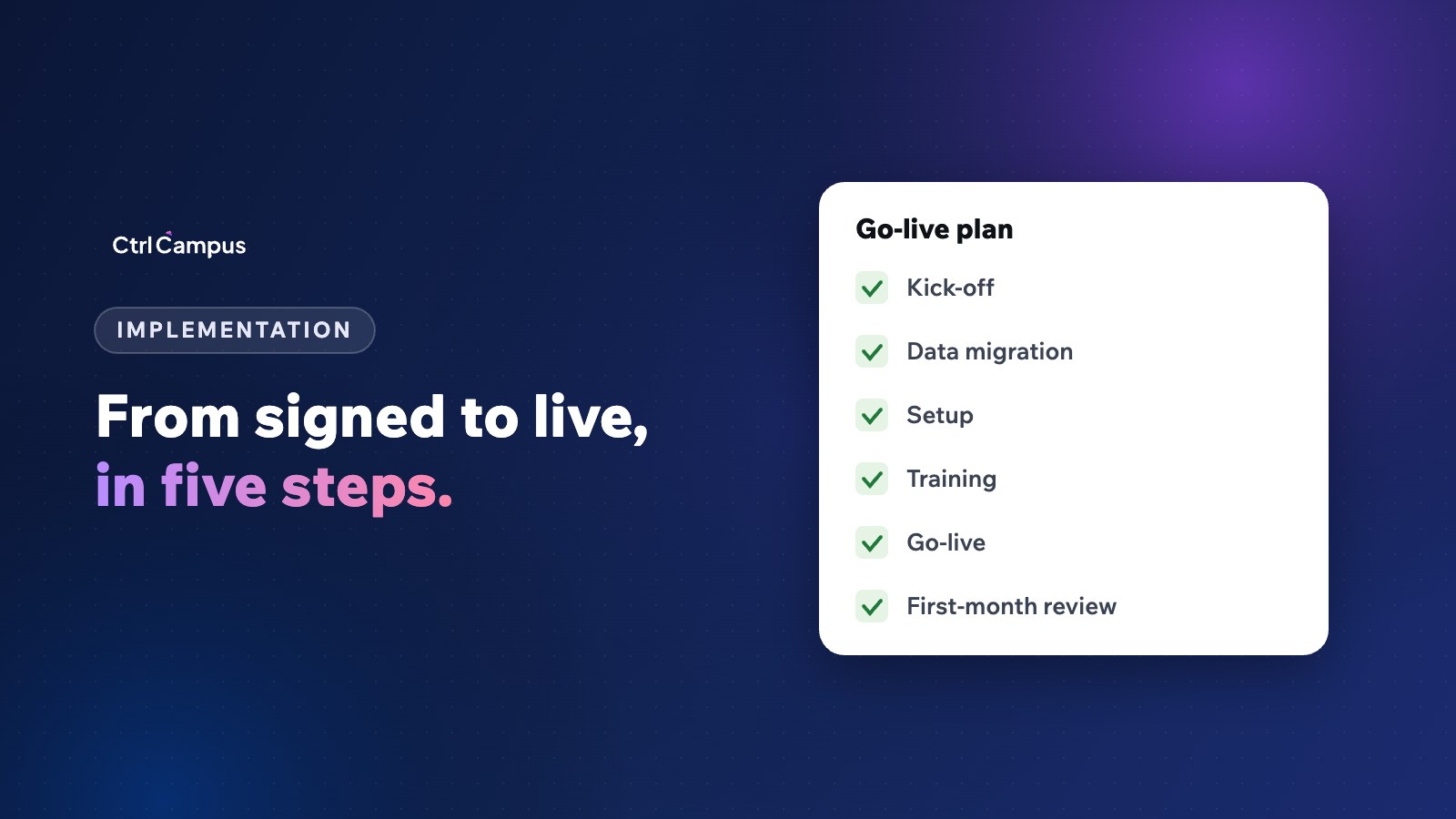
CtrlCampus goes live in five steps: kick-off, data migration, setup, training and go-live. Your existing student, fee and staff records are moved across during migration, and your office is trained before you switch. There is no hardware to install, because buses are tracked from the driver's phone and attendance is taken by face recognition on a phone. Read more on our implementation page, see the Oaktree Kidz case study, and compare vendors with our buyer's checklist.
FAQ: school ERP implementation
How long does a school ERP implementation take?
It depends on the number of branches and how quickly clean data is shared. Ownership and data are the biggest factors.
Who should own the project at school?
An administrator or vice principal with authority to make decisions and time to follow up.
Should all modules go live at once?
Not always. Many schools start with fees, attendance and the parent app, then add transport, HR and exams.
How do we get parents to use the app?
Announce it on WhatsApp, help parents log in at the next PTM, and send fee links and absence alerts through it.
What if staff resist the change?
Train each office on its own tasks and show the time it saves. Switching off old tools on a set date helps. Book a demo to plan your rollout.