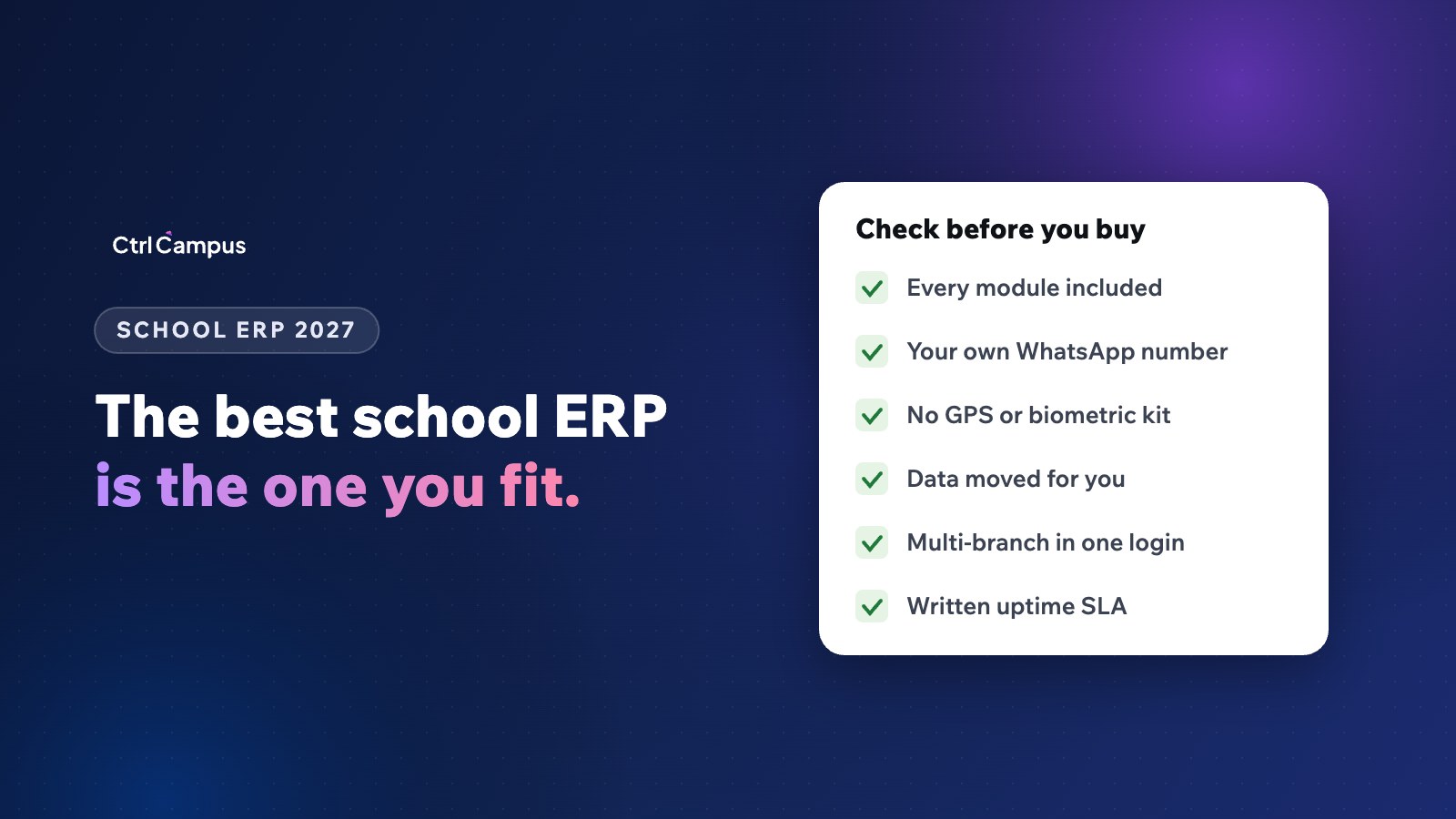
Quick answer: the best school ERP software in India is the one that covers every office in your school on one record, sends messages from your own verified WhatsApp number, needs no extra hardware, moves your existing data for you and puts its price, uptime and data deletion terms in writing. Rankings matter less than fit.
Last updated: November 2026.
Search for "best school ERP" and you will find many lists, most of them written by vendors ranking themselves first. This guide does something different. It gives you the questions and checks that separate a good school ERP from a weak one, so you can judge any vendor, including us, on the same terms.
What is a school ERP?
A school ERP (enterprise resource planning system) is software that holds a school's core records, such as students, fees, attendance, exams and staff, in one database, so every office works from the same data. A modern school ERP also includes apps for parents and staff and sends messages to parents automatically.
What makes the best school ERP software in India?
Indian schools have needs that generic software often misses: CBSE, ICSE and state board formats, UPI fee payments, WhatsApp as the main parent channel, multi-branch school groups and, from May 2027, the DPDP Rules. The best systems handle all of these without add-ons.
1. Everything on one student record
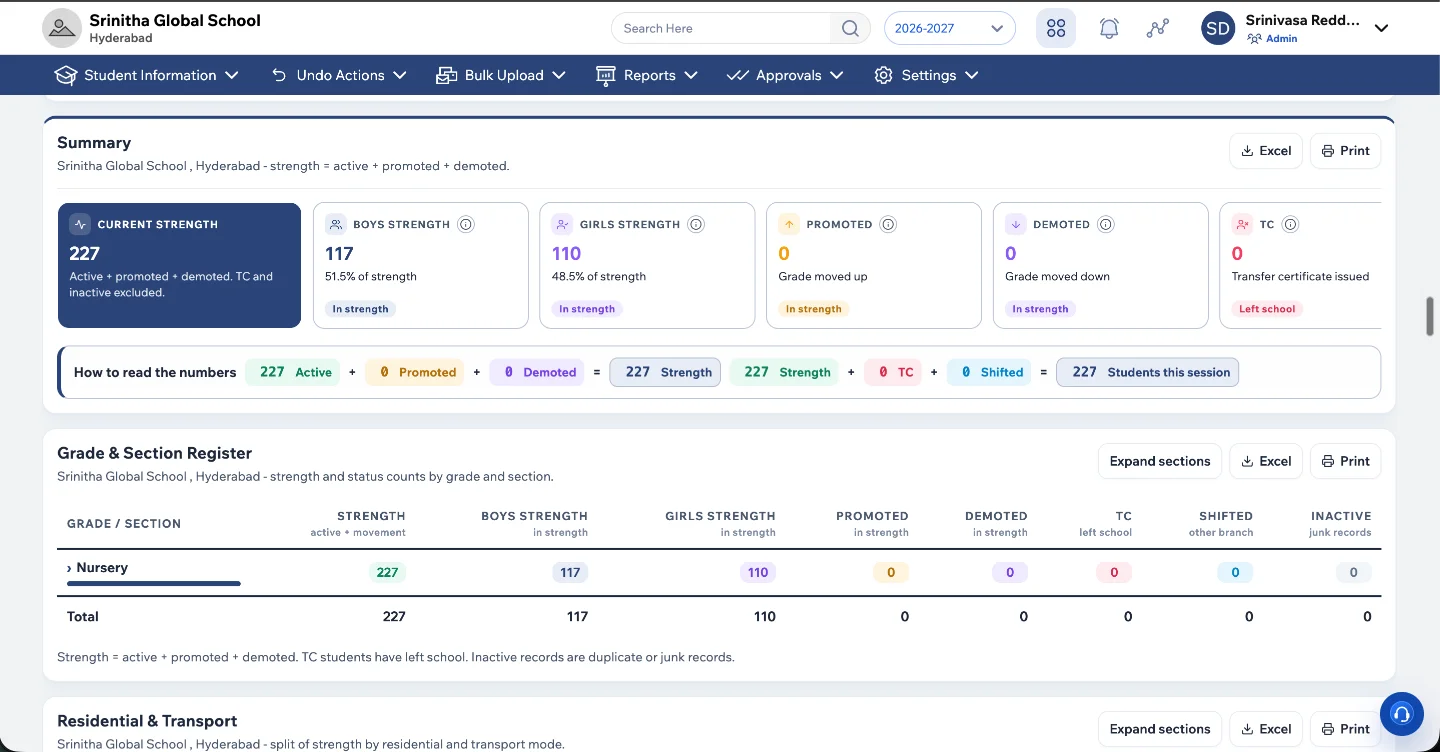
Admissions, fees, attendance, transport, marks and parent messages should all sit on the same student record. When a parent pays a fee or a child is marked absent, every office should see it at once. If a vendor's "ERP" needs a separate CRM, a separate bus tracking app and a separate payroll sheet, you are buying a stack, not a system. We explain the hidden cost of that in School ERP vs 7 separate apps.
2. A complete module list
Check that these are included in the quoted price, not sold as extras:
- Admissions CRM with enquiry follow-up.
- Fee collection with online payment, receipts and reminders.
- Student and staff attendance.
- Bus tracking for parents and the transport office.
- Exams, marks and report cards for your board.
- HR, leave and payroll with PF, ESI and professional tax.
- A parent app and a staff app.
- Official WhatsApp messaging.
3. No hardware to buy
GPS boxes for buses and fingerprint machines for staff add cost and maintenance. Some systems now do both from a phone. Ask whether you need any hardware at all.
4. Official WhatsApp from your own number
Parents read WhatsApp. The best systems send fee reminders and attendance alerts from your school's verified number through Meta's official platform, not from a reseller's shared number. See our WhatsApp Business API guide for schools.
5. Real multi-branch support
School groups need one login for management, with each branch seeing only its own data and consolidated reports across branches.
6. Security you can verify
Ask for certifications such as ISO 27001, a written uptime commitment, and a written promise to delete your data if you leave.
7. Migration and training included
Moving years of student, fee and staff records is the hardest part of any switch. The vendor should do it and train your office before go-live.
How to compare school ERP vendors fairly
- List every office and the tool it uses today.
- Ask each vendor which of those tools their system replaces.
- Convert every quote into a total yearly cost for your strength, including tools you would still need.
- Ask for a demo using your own fee structure and report card format.
- Speak to a school of a similar size already using the system.
- Read the contract for uptime, data ownership and exit terms.
Our school management software cost guide has a worksheet for step 3, and 15 questions to ask vendors covers step 4.
Red flags when choosing a school ERP
- The demo uses sample data and the vendor won't show your own fee structure.
- WhatsApp messages are sold as credits through a reseller.
- Bus tracking or attendance needs hardware from a partner.
- Data migration is quoted separately or left to your staff.
- No written uptime or data deletion terms.
- Every new module needs a new contract.
Where CtrlCampus fits
CtrlCampus is an all-in-one school management platform from India for admissions, fees, attendance, transport, HR and parent apps. It runs the ERP, admissions CRM, HR and payroll, the CtrlGo parent app and CtrlOne staff app on one record. Buses are tracked from the driver's phone with CtrlBus, attendance is taken with face recognition on a phone with CtrlLens, and messages go out from your school's verified number because CtrlCampus is a Meta Tech Provider.
More than 110 institutions use it. It is ISO 27001 certified with a 99.9% uptime SLA, and pricing is per student per year with everything included. Oaktree Kidz reported an 80% reduction in operational cost after moving onto it.
Use the checklist above on us too. Book a free demo and ask us to show your own fee structure and report card.
FAQ: best school ERP software in India
Which is the best school ERP software in India?
There is no single best for every school. The best fit covers all your offices on one record, supports your board and branches, needs no extra hardware and is clear about total cost and data terms.
Is school ERP the same as school management software?
The terms are used interchangeably in India. Both mean one system for a school's records and operations.
How long does it take to set up a school ERP?
It depends on data quality and size. CtrlCampus goes live in five steps: kick-off, data migration, setup, training and go-live.
Should a small school buy an ERP?
Yes, if it saves office time and helps collect fees on time. Per-student pricing keeps the cost in line with your size.
What should be in a school ERP contract?
Price and inclusions, uptime commitment, data ownership, support hours, and a written promise to return and delete your data if you leave.