Quick answer: to choose school management software, list what every office needs, see a demo on your own data, compare total yearly cost rather than the per-student rate, and get answers in writing on migration, support, security and exit. The 15 questions below cover each of these.
Last updated: November 2026.
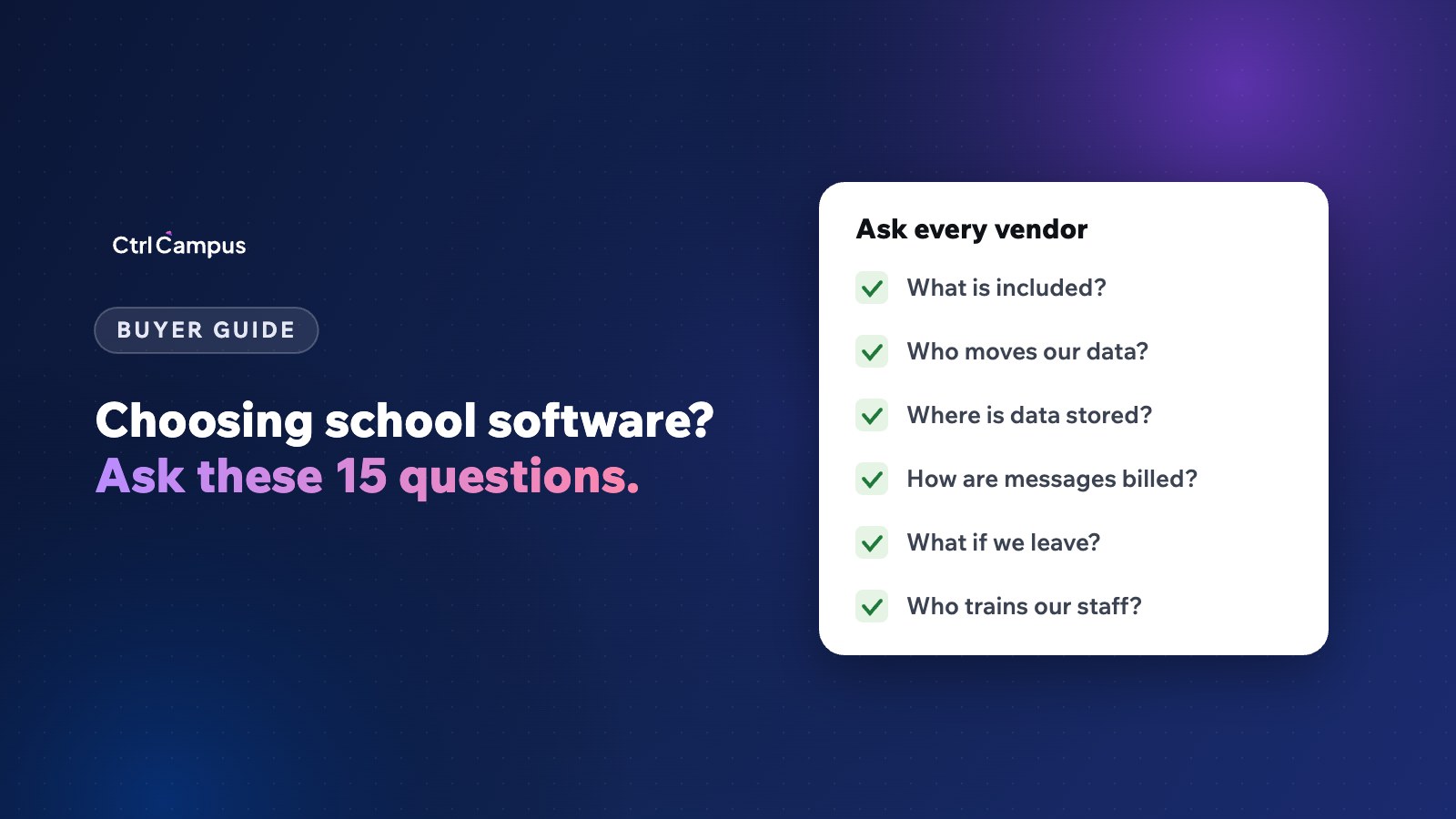
Most schools choose software after one or two demos. Demos are useful, but they show what the vendor wants you to see. The questions below show what you will live with for the next five years. Send them to every vendor on your shortlist and compare the written answers side by side.
How to choose school management software in 5 steps
- Map your offices. Admissions, accounts, academics, transport, HR and the principal's office. Note the tool each uses today.
- Agree on must-haves. For example, official WhatsApp, UPI fee payment, your board's report card, multi-branch reports.
- Shortlist three vendors. More than three wastes everyone's time.
- Run the 15 questions. Ask for written answers.
- See a demo on your data. Your fee structure, your report card, your bus routes.
Questions about scope
1. Which of our current tools does your system replace?
Make the vendor go through your list. Every tool it doesn't replace is a cost you keep, plus a place where data gets typed twice.
2. Is every module included in the price?
Admissions CRM, fees, attendance, transport, exams, HR and payroll, parent and staff apps, WhatsApp. Ask what is extra.
3. Does it support our board and our report card?
CBSE, ICSE or state board, and your current report card format, including co-scholastic grades and NEP 2020 requirements such as the Holistic Progress Card.
4. Do we need any hardware?
GPS devices, biometric machines, servers. Each adds cost and upkeep.
Questions about cost
5. What is the total yearly cost for our strength?
Ask for one number that includes everything. Our cost guide explains the hidden costs to add.
6. How are WhatsApp and SMS messages billed?
At Meta's rates, or through a reseller's credits with a markup?
7. How does the price change as we grow?
New branches, more students, new modules. You want no surprises at renewal.
Questions about switching
8. Who moves our existing data, and what is included?
Students, parents, fee dues, receipts, marks, staff and payroll history. See how to switch ERP mid-year.
9. How will our staff be trained?
Ask who trains, how long it takes and whether there is support for the first weeks after go-live.
10. How long from signing to going live?
Get a plan with dates. CtrlCampus uses five steps: kick-off, data migration, setup, training and go-live.
Questions about security and data
11. Where is our data stored and who can access it?
Ask about role-based access for your own staff and the vendor's staff.
12. What certifications and uptime commitments do you have?
Look for ISO 27001 and an uptime commitment written into the agreement.
13. How do you support DPDP Act compliance?
The main duties under the DPDP Rules apply from May 2027. Ask how the vendor handles consent, breach reporting and deletion. Our DPDP Act guide for schools explains the rules.
Questions about support and exit
14. What does support look like day to day?
Hours, channels, response times and who you call when fees aren't syncing on a Monday morning.
15. What happens if we leave?
You should get your data back in a usable format and a written confirmation that the vendor has deleted it.
How to score the answers
Give each answer a score from 1 to 3 and weight the questions that matter most to your school. A typical weighting puts scope and total cost first, then migration and security, then support. Add the demo: can each office do its daily job in the system without help? Involve the accounts head and the admissions head in scoring, because they will use it every day.
Mistakes to avoid when choosing school software
- Choosing on the per-student rate alone.
- Letting one person decide without the offices who will use it.
- Skipping the reference call with a similar school.
- Signing before the data migration plan is agreed.
- Switching in the middle of admissions or exam season without a plan.
How CtrlCampus answers these questions
CtrlCampus is an all-in-one school management platform for admissions, fees, attendance, transport, HR and parent apps. Everything is included in a per-student yearly price. There is no hardware: buses are tracked from the driver's phone and attendance is taken by face recognition on a phone. WhatsApp runs on your verified number at Meta's rates, because CtrlCampus is a Meta Tech Provider. Your existing records are moved across during onboarding, and if a school leaves, its data is deleted and confirmed in writing. It is ISO 27001 certified with a 99.9% uptime SLA.
See our honest school ERP checklist and the Oaktree Kidz case study, then book a demo and ask us all 15 questions.
FAQ: choosing school management software
How many vendors should we shortlist?
Three is usually enough to compare fairly without slowing the decision.
Who should be involved in the decision?
The owner or trustee, the principal, and the heads of accounts and admissions. Each sees different risks.
When is the best time to switch?
Before the academic year starts, ideally after the previous year's results and before admissions peak. Mid-year switches work with a careful plan.
Should we ask for a free trial?
A demo on your own data is more useful than a trial with sample data, because it shows your real fee structures and reports.
What is the most important question?
Which of our current tools does your system replace. It reveals both the real cost and how much re-typing will remain.