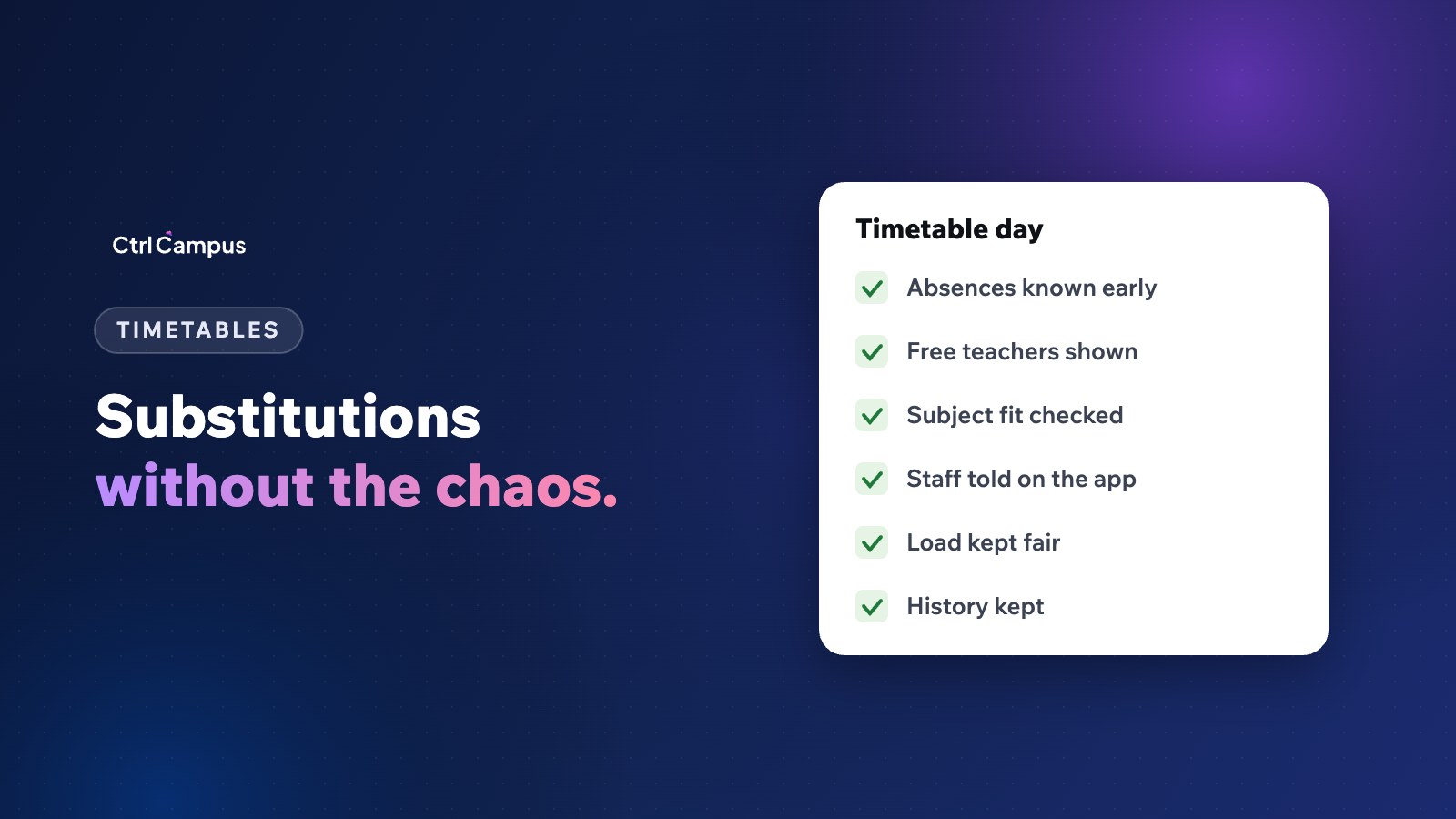
Quick answer: good school timetable software knows who is absent from leave and attendance records, shows which teachers are free in each period, considers subject fit and how many substitutions each teacher has already taken, and tells the substitute on their phone. The coordinator decides in minutes instead of walking the staff room.
Last updated: November 2026.
Every school knows the morning scramble. A teacher is unwell, two are on leave, and the timetable coordinator has to cover a dozen periods before the first bell, usually with a printed timetable and a pencil. Some teachers end up covering far more than others, and nobody keeps a record.
What makes school timetable management hard
- The master timetable lives in a spreadsheet or on paper.
- Absences are known only when teachers call or message.
- Free periods are worked out by hand for each teacher.
- Substitutions are noted on a board and forgotten.
- Over the year, the load falls unevenly on a few willing teachers.
What school timetable software should do
Hold the master timetable
Classes, sections, subjects, teachers and periods, with clashes flagged when it is built.
Know who is absent
Leave approvals and staff attendance should feed straight in, so the coordinator sees absences without phone calls. See staff leave management for schools.
Show free teachers for each period
For every uncovered period, list the teachers who are free, ideally those who teach the same subject or the same class.
Keep substitution load fair
Show how many substitutions each teacher has taken this week and term, so the load can be shared.
Notify the substitute
The substitute should see the period, class and any notes on their phone, without a phone call.
Keep a record
A history of absences and substitutions helps with planning, appraisals and fairness.
A simple substitution routine
- Leave and attendance show who is absent by 7.30 am.
- The coordinator opens the day's uncovered periods.
- For each, they pick a free teacher, preferring subject or class fit and lower load.
- Substitutes are notified on the staff app.
- The absent teacher's lesson plan or worksheet is shared where possible.
- At the end of the week, the coordinator reviews substitution load.
Building a good master timetable
Start with fixed constraints: teacher availability, subject periods per week, labs and shared rooms, and part-time staff. Then place the hardest classes first. Review it with heads of department before publishing, and keep it in one system so changes reach everyone.
How CtrlCampus helps
In CtrlCampus, staff see their timetables in the CtrlOne staff app, along with check-in, leave, marks entry and payslips. Staff attendance from CtrlLens and leave approvals in HRMS show who is in and who is absent, live, in the same system as the timetable. Read more about face recognition attendance and the Oaktree Kidz case study.
A substitution policy you can adopt
Write a one-page substitution policy so decisions are consistent and staff know what to expect:
- Absences are reported through the leave system, not by phone, by a fixed time each morning.
- Substitutes are chosen from teachers free in that period, preferring the same subject, then the same class.
- No teacher takes more than an agreed number of substitutions in a week unless there is no alternative.
- The absent teacher shares a lesson plan or worksheet for planned leave.
- Substitution periods are recorded and reviewed at the end of each month.
Common timetable mistakes
- Building the timetable around one or two teachers' preferences and leaving others with impossible days.
- Placing all of a class's difficult subjects in the last periods.
- Forgetting shared rooms such as labs, the library and the sports ground.
- Not leaving any teacher free in some periods, so substitutions become impossible.
- Changing the timetable mid-term without telling parents and students.
What to review each term
At the end of each term, look at three things: how many periods were covered by substitutes, how evenly substitutions were shared, and which classes lost the most teaching time. If one class repeatedly loses periods, the timetable or staffing for that class needs attention before the next term. Share the summary with heads of department so planning improves term by term.
FAQ: school timetable
What is school timetable software?
Software that holds the master timetable and helps manage changes, such as substitutions when teachers are absent.
How do we make substitutions fair?
Track substitutions per teacher over the term and share them evenly.
Should substitutes teach the same subject?
Where possible. If not, share the absent teacher's plan or a worksheet so the period isn't wasted.
Can teachers see their timetable on their phone?
They should. CtrlCampus staff see it in the CtrlOne app.
How early should absences be known?
Before the first period. Leave applied in advance and morning attendance make this possible. Book a demo to see CtrlOne.