Quick answer: staff leave management works when the school has a written leave policy, staff apply on their phone, the right person approves quickly, the timetable coordinator sees absences in time to arrange substitutes, and approved leave and loss of pay flow straight into payroll without anyone re-typing them.
Last updated: November 2026.
In many schools, leave is requested on WhatsApp, approved verbally and written in a register. The accounts office finds out at month end when salaries are due, and disputes follow. A clear policy and a simple workflow fix most of this.
Write a clear leave policy
Leave types
Typical types include casual leave, sick leave, earned leave, maternity leave, on-duty leave and leave without pay. Define who is eligible for each.
Entitlements and carry-forward
How many days of each type per year, whether unused leave carries forward and any limits.
Notice and documents
How far in advance leave must be applied for, and when a medical certificate is needed.
Restricted periods
Dates when leave is discouraged, such as exam weeks and the first days of term.
Legal requirements
Some leave is set by law, for example maternity benefit under the Maternity Benefit Act, and state shops and establishments rules may apply. Check the rules that apply to your school with your HR adviser.
A simple staff leave management workflow
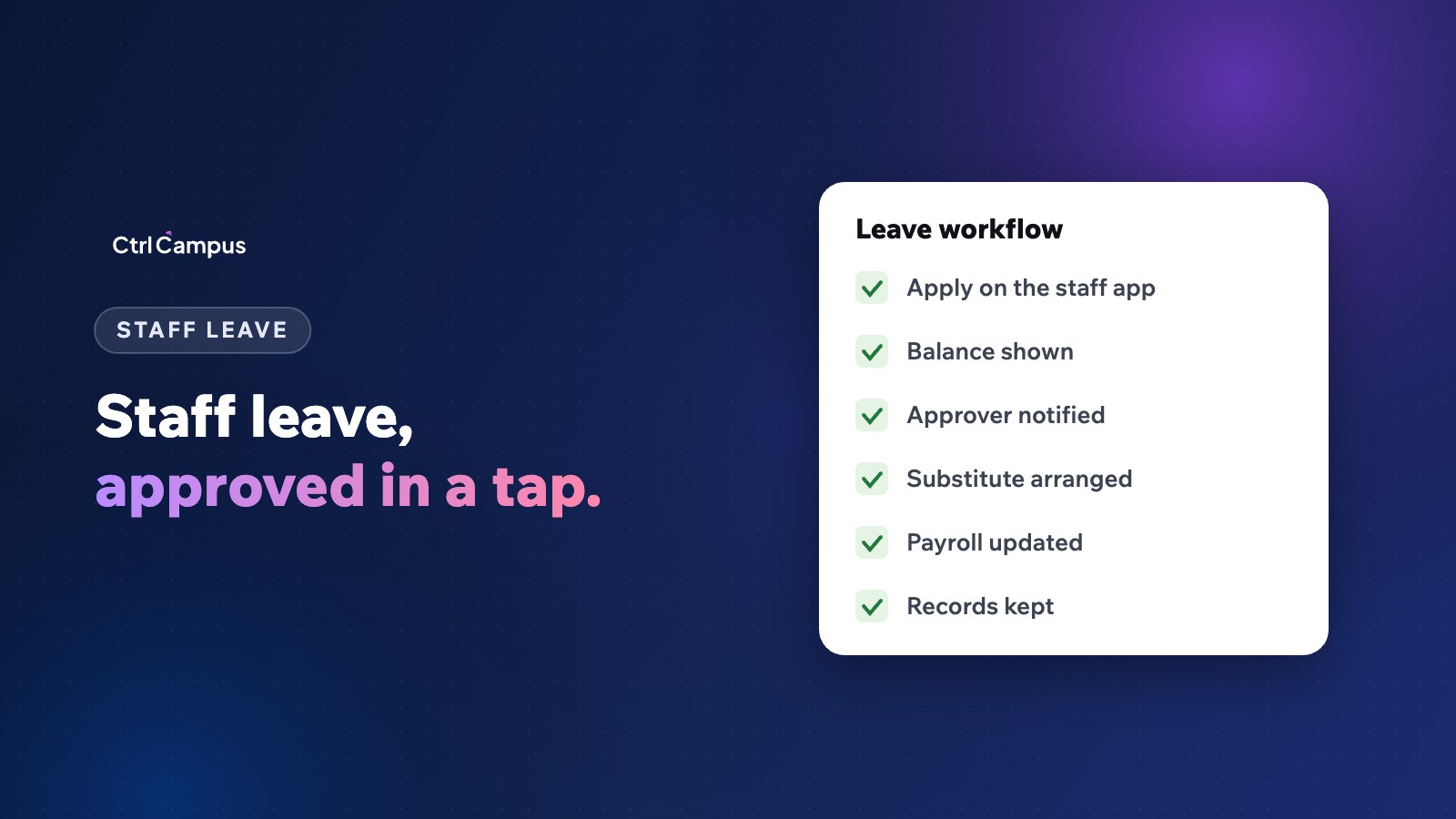
- The staff member applies on their phone, choosing the type and dates.
- They see their remaining balance before submitting.
- The approver, such as a coordinator or the principal, gets a notification.
- The approver approves or declines with a note.
- The timetable coordinator sees approved absences and arranges substitutes.
- Payroll picks up approved leave and loss of pay automatically.
Leave and payroll
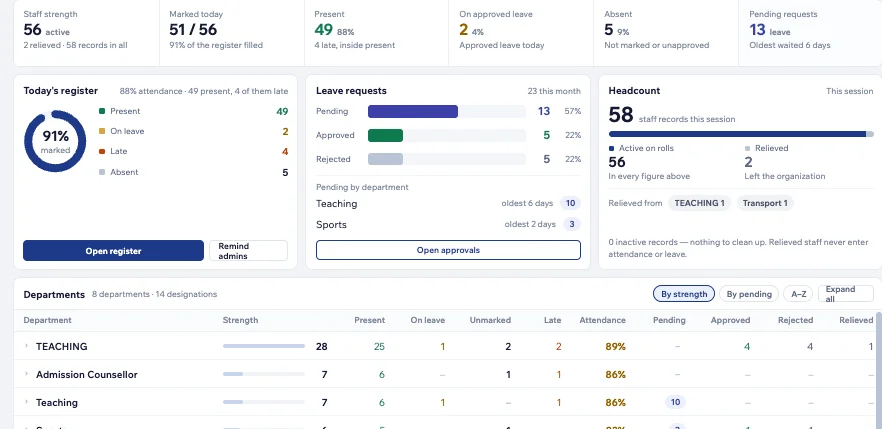
Loss of pay is where most salary disputes start. When attendance, approved leave and payroll sit in the same system, unapproved absences and leave without pay are calculated from the same data the staff member can see. See our guide to school payroll with PF, ESI and PT.
Leave and substitutions
Every approved leave creates periods that need covering. Linking leave to the timetable means the coordinator plans ahead instead of reacting at 7.30 am. Read school timetable software for substitutions.
Common problems to avoid
- Leave approved by different people with different rules.
- Balances kept in a register that nobody can check.
- Leave applied after the fact without any record.
- Payroll finding out about leave only at month end.
How CtrlCampus handles staff leave
In CtrlCampus HRMS, staff apply for leave and see approvals in the CtrlOne app, managers approve leave requests, and holiday calendars and staff documents sit in one place. Staff attendance from CtrlLens face recognition feeds payroll directly, and payroll runs with pay scales, PF and ESI. The live staff register shows who is on campus across branches. Read the Oaktree Kidz case study.
A sample leave policy outline
A clear policy can fit on two pages. A simple outline:
- Purpose and scope. Who the policy covers: teaching, non-teaching, permanent and contract staff.
- Leave year. Whether leave runs by academic year or calendar year.
- Leave types and entitlements. Each type, days per year and eligibility.
- Applying for leave. How and how far in advance, and what documents are needed.
- Approvals. Who approves for each group, and how quickly.
- Restricted periods. Exam weeks, the start of term and other key dates.
- Carry-forward and encashment. What happens to unused leave.
- Leave without pay. When it applies and how it is calculated in salary.
- Unauthorised absence. What happens if someone is absent without approval.
Handling last-minute leave
Emergencies happen. Allow staff to apply for sudden sick leave from their phone before school starts, so the timetable coordinator knows in time. The approver can confirm later in the day. What matters is that the absence is recorded in the system the same morning, not reported verbally and forgotten.
Reports management should see
A monthly view of leave taken by type, department and branch helps spot patterns early, such as one department with unusually high absence or staff who have used up their balance in the first term. It also helps plan staffing for exam periods and events.
FAQ: staff leave management
What leave types should a school policy include?
Commonly casual, sick, earned, maternity, on-duty and leave without pay, with entitlements for each.
Who should approve staff leave?
A named approver for each group, such as a coordinator or the principal, with a backup.
How should leave affect payroll?
Approved paid leave keeps salary unchanged; leave without pay and unapproved absence reduce it, calculated from the same records staff can see.
Can staff see their leave balance?
They should, before they apply. In CtrlCampus they use the CtrlOne app.
How do we stop leave being taken in exam weeks?
Mark restricted periods in the policy and the system. Book a demo to see leave and payroll in CtrlCampus.