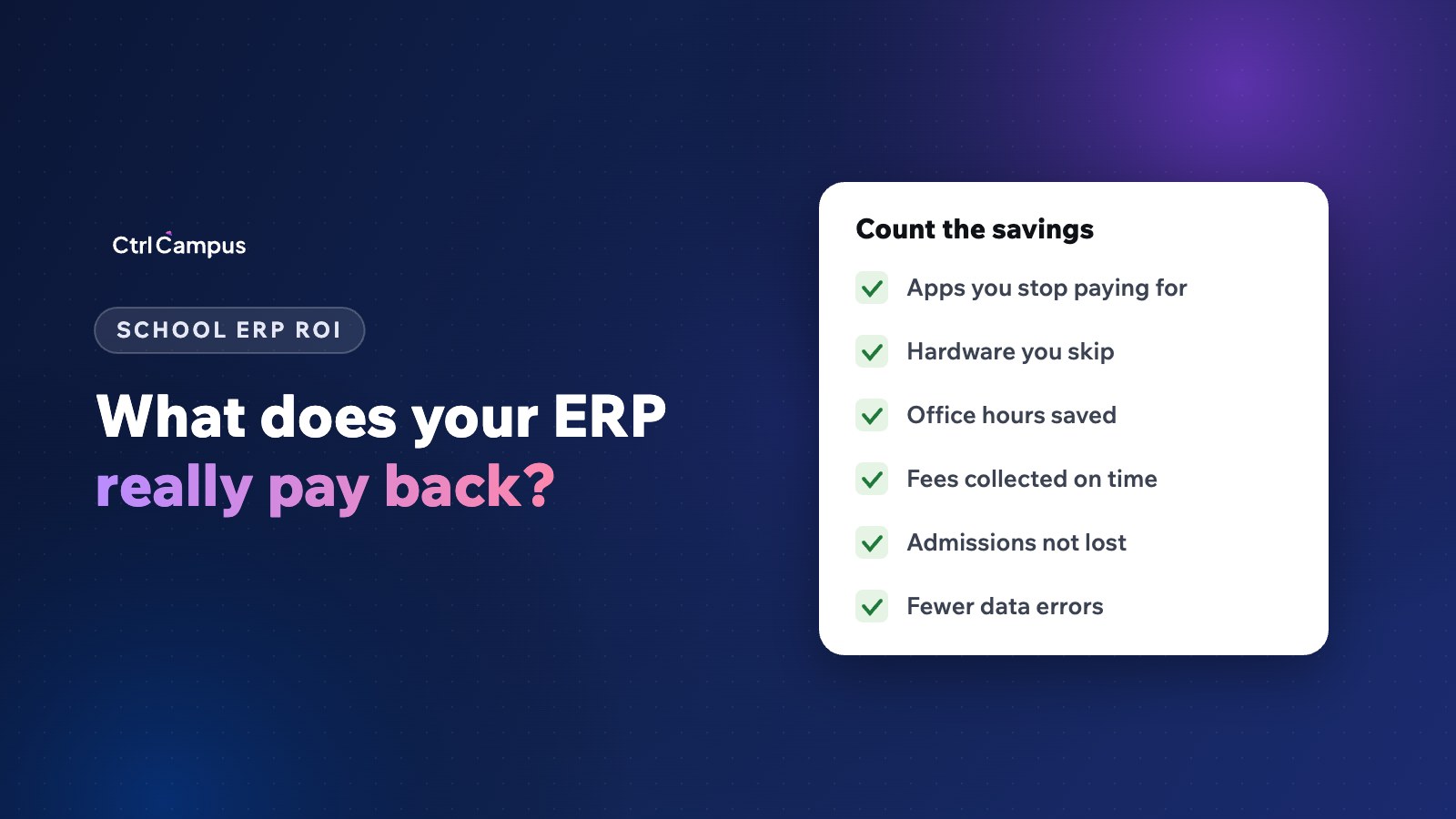
Quick answer: school ERP ROI is the yearly value the system creates (tools you stop paying for, hardware you avoid, staff hours saved, fees collected on time and admissions you no longer lose) divided by its yearly cost. Most of the value comes from the last three, not the software licence.
Last updated: November 2026.
Trustees and owners rightly ask whether new software will pay for itself. The honest answer is that it depends on what your school spends today, much of which never appears as a line item. This guide gives you a simple way to work out school ERP ROI with your own numbers, so the decision rests on your school's figures rather than a vendor's promise.
The school ERP ROI formula
ROI = (yearly value created − yearly cost of the system) ÷ yearly cost of the system.
Payback period = cost of the system ÷ monthly value created.
The hard part is the "value created". Break it into five parts, and estimate each conservatively.
1. Tools you stop paying for
List every subscription the new system replaces: a separate admissions CRM, a bus tracking service, a messaging reseller, a payroll tool, a video meeting licence, a website form tool. Add their yearly cost. This is the easiest number to prove, because it comes straight from your invoices.
2. Hardware you no longer buy or maintain
GPS devices for buses and biometric machines for staff come with installation, servicing, SIM cards and replacements. If the new system tracks buses from the driver's phone and takes attendance by face recognition on a phone, those costs stop. Include the yearly maintenance and an annual share of replacement costs.
3. Office hours saved
This is usually the largest item and the one most often ignored. Ask each office how many hours a week it spends on work the system would remove:
- Typing the same student into several systems.
- Reconciling fee payments against bank statements.
- Building attendance and fee reports for management.
- Answering parents' calls about the bus, receipts and dues.
- Preparing salary sheets and statutory deductions.
Multiply the hours saved by the cost per hour of the staff doing them. Even if you don't reduce headcount, those hours move to work that matters, such as admissions follow-up.
4. Fees collected on time
Late fees cost you interest, cash flow and staff time chasing them. Reminders on WhatsApp, one-tap UPI payment and a live defaulters list reduce late payments. To estimate the value, take your average outstanding dues and a modest reduction, and value the benefit of having that cash sooner. Our guide to reducing fee defaults explains what drives the change.
5. Admissions you no longer lose
If enquiries go cold because nobody followed up, each lost admission is a full year of fees, often several years. An admission CRM with reminders and source tracking recovers some of those. Use a conservative estimate: even one or two extra admissions a year usually changes the result.
A worked example (replace with your own numbers)
To show the method, imagine a school where:
- Replaced subscriptions and hardware upkeep total A per year.
- Office time saved is B hours a week, at C per hour, for 45 working weeks.
- Fees received earlier are worth D a year in reduced borrowing or better cash flow.
- Recovered admissions are E students, at F annual fee each.
Yearly value = A + (B × C × 45) + D + (E × F). Compare that with the yearly cost of the new system. Fill in the letters with your own figures, and ask your accounts head to check them. We avoid quoting typical numbers here because they vary widely by school size and city.
Costs to include on the other side
- The yearly subscription for your strength.
- Any one-time setup or migration charges.
- Staff time for training in the first month.
- Payment gateway charges, which you usually pay with any system.
How to present ROI to trustees
Keep it to one page: today's spend by item, the new system's cost, the five value items with conservative estimates, and the payback period. Show the risks honestly too, such as the training effort and the switch-over period. Trustees trust a conservative estimate that is met far more than an optimistic one that isn't.
What CtrlCampus replaces
CtrlCampus is an all-in-one school management platform for admissions, fees, attendance, transport, HR and parent apps, priced per student per year with everything included. It replaces a separate CRM, bus tracking hardware, biometric machines, messaging resellers, payroll spreadsheets and meeting links. Oaktree Kidz reported an 80% reduction in operational cost after moving admissions, fees, attendance and parent communication onto it. Read School ERP vs 7 separate apps for the full comparison, and our cost guide for pricing models.
FAQ: school ERP ROI
How do you calculate school ERP ROI?
Add the yearly value created (tools replaced, hardware avoided, hours saved, fees collected sooner, admissions recovered), subtract the system's yearly cost and divide by that cost.
What is a good payback period for school software?
Shorter is better, but the key is that the estimate is conservative and checked by your accounts head.
Which savings are easiest to prove?
Replaced subscriptions and hardware, because they appear on invoices.
Which savings are largest?
Usually office hours and recovered admissions, though they take more care to estimate.
Can CtrlCampus help us calculate it?
Yes. Book a demo and bring your current list of tools and costs.