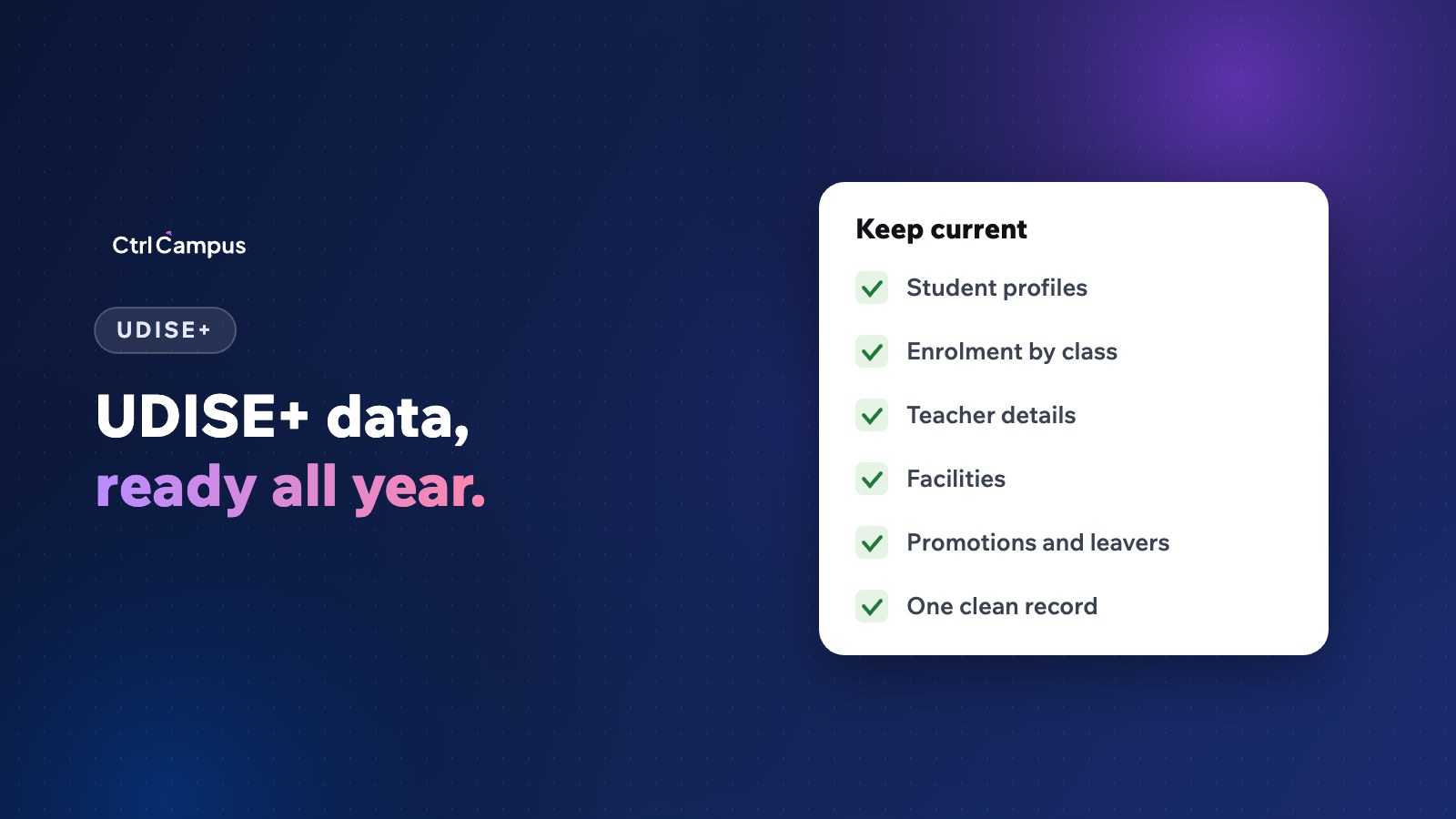
Quick answer: UDISE+ is the Ministry of Education's national system for school data. Schools submit details about the school, teachers and facilities, and maintain a profile for each student, who gets a Permanent Education Number (PEN). Keeping student and staff records accurate through the year turns UDISE+ data entry from a scramble into a routine.
Last updated: November 2026. Follow the latest instructions on the official UDISE+ portal and from your district office.
What is UDISE+?
UDISE+ (Unified District Information System for Education Plus) is the system the Ministry of Education uses to collect data from schools across India. The data feeds national and state education planning and reports. Schools are expected to keep their information current in it each year.
What UDISE+ collects
- School profile: management type, board, classes, location and facilities.
- Infrastructure: classrooms, toilets, drinking water, electricity, computers and other facilities.
- Teachers and staff: qualifications, appointment details and subjects.
- Students: individual student profiles, with details such as name, date of birth, class, gender, category and other fields defined by the system.
Each student has a Permanent Education Number (PEN) that stays with them as they move between schools. APAAR IDs are also generated through UDISE+; see our guide to APAAR ID for schools.
Why UDISE+ data entry is hard for schools
- Student details are spread across admission registers, the ERP and Excel sheets.
- Names and dates of birth are recorded differently in different places.
- Promotions, transfers and leavers are updated late.
- Staff details change without anyone updating the records.
- Everything is done at the deadline by one person.
Common UDISE+ data errors
- Students missing from the right class after promotion.
- Students who left still shown as enrolled.
- Duplicate students after a transfer.
- Mismatched names and dates of birth between records.
- Teacher subject and qualification details out of date.
Keeping records ready all year
- Keep one master record per student with consistent name, date of birth and parent details.
- Update promotions and leavers at the end of each year, and transfers as they happen.
- Record new admissions with complete details from day one.
- Keep staff records current when someone joins, leaves or changes role.
- Run a monthly check for missing fields and duplicates.
- Assign one person to UDISE+ with a backup, and give them clean exports.
Data protection
UDISE+ involves children's personal data. Limit access to the staff responsible, and keep exports secure. Our student data security checklist has ten controls every school should have.
How CtrlCampus helps
CtrlCampus keeps every student's details, class, attendance, marks and fees on one record in the ERP, with staff records in HRMS. Admissions from the CRM become student records without re-typing, promotions and leavers are updated in one place, and reports export to Excel when you need them. That makes UDISE+ data entry a matter of checking, not collecting. Read our guide to RTE reimbursement records and the Oaktree Kidz case study.
A monthly UDISE+ readiness routine
Set aside an hour each month for a short data check, so the annual submission becomes a confirmation rather than a project:
- New admissions. Check that every student who joined this month has a complete profile: name as per documents, date of birth, gender, class, parents' details and address.
- Leavers and transfers. Mark students who left, with the date and reason, and record transfer certificates issued.
- Duplicates. Search for students with the same name and date of birth, especially siblings sharing a phone number.
- Staff changes. Update joiners, leavers, roles, subjects and qualifications.
- Facilities. Note any new classrooms, labs, toilets or equipment added during the month.
Who does what
UDISE+ works best when responsibility is clear. The admissions office owns new student profiles, class teachers confirm their class lists each term, the HR office owns staff details, and the administrator owns facilities. One named person, with a backup, brings it together for the submission and talks to the district or block office when questions come up.
Linking UDISE+, APAAR and board registrations
The same student details now flow through several processes: UDISE+ student profiles and PEN, APAAR ID generation and, for board classes, registration with the board. A spelling mistake made at admission can surface years later as a blocked APAAR ID or a wrong name on a board certificate. Getting the details right once, at admission, and keeping them in one record saves every later step. See our guide to APAAR ID for schools for the next stage.
FAQ: UDISE+
What is UDISE+?
The Ministry of Education's national system for collecting data on schools, teachers and students.
What is a PEN in UDISE+?
A Permanent Education Number given to each student, which stays with them across schools.
Who should handle UDISE+ data entry?
A named staff member with a backup, working from clean exports of the school's records.
How can schools avoid last-minute UDISE+ work?
Keep student and staff records updated through the year, and check them monthly.
Is APAAR linked to UDISE+?
Yes. APAAR IDs are generated through the UDISE+ system. Book a demo to see student records in CtrlCampus.